Last month we presented Always Up To Date with Windows 10 and Windows as a Service during the Microsoft Tech Summit Singapore and there’s a part of the talk where we showed how easy it is to update System Center Configuration Manager. Administrators can just find the new update when it’s released under the Administration > Overview > Updates and Servicing in the ConfigMgr console. All they need to do is right-click the update and select Install Update Pack and the rest will be take care of.
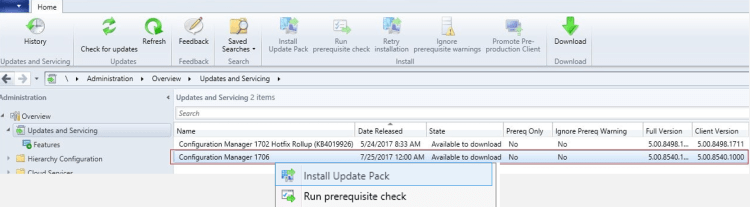
See edited video of the actual process below.



 LABDEMO
Discussion
No comments yet.