Just for fun, if you want to try out the touch experience of Windows in your iPad, there’s a handy app from Splashtop Inc. that is available in App Store called Win8 Metro Testbed.
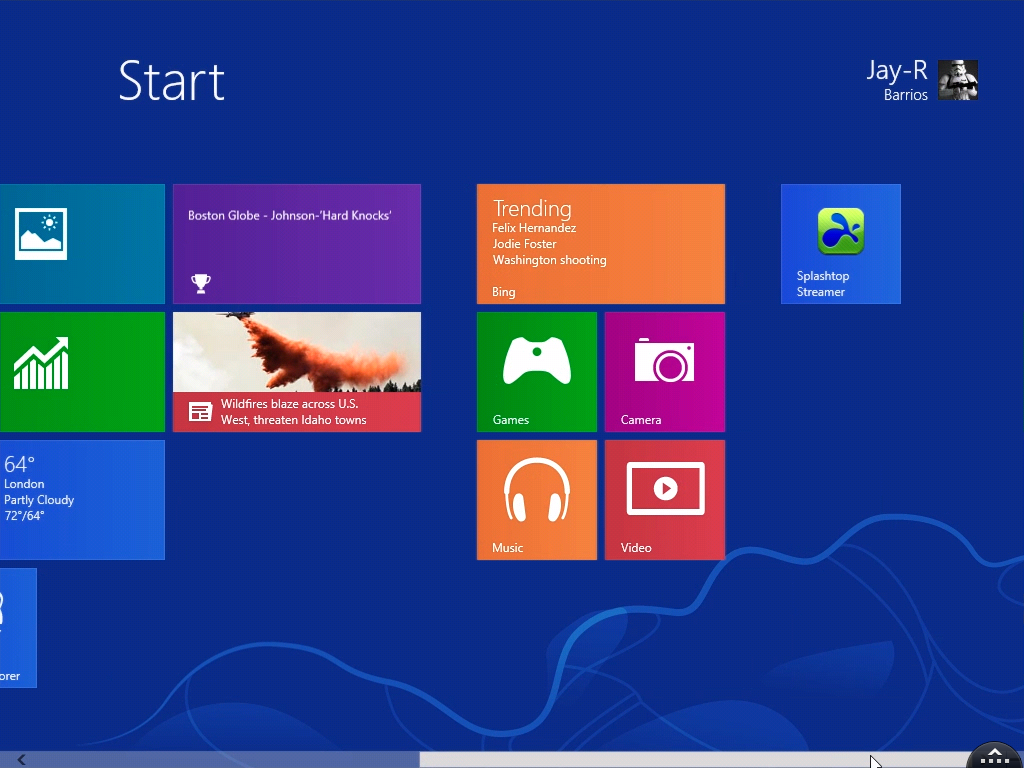

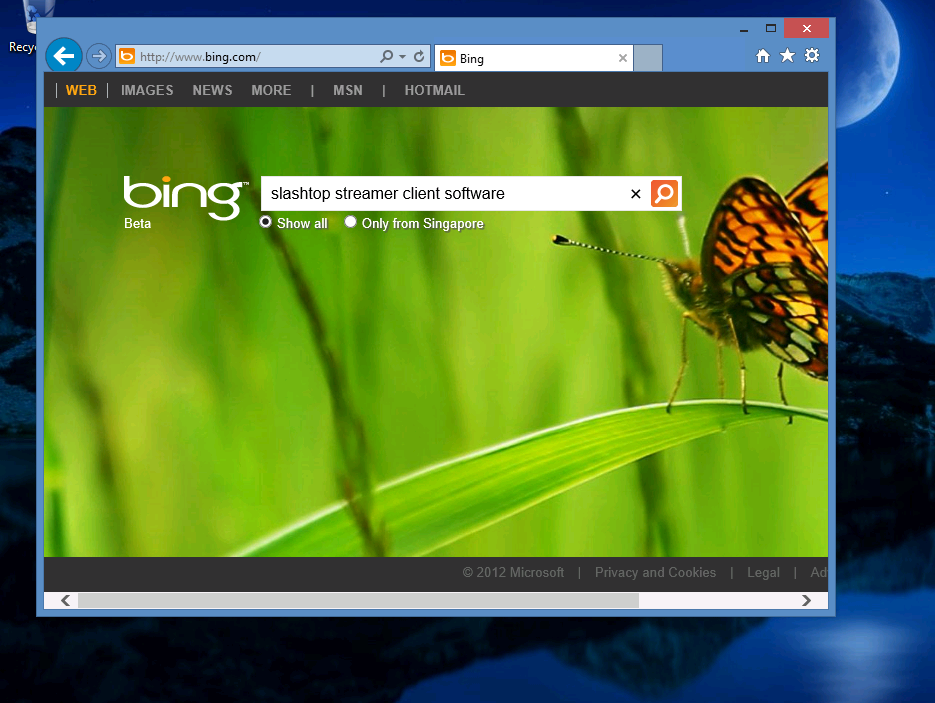
Once that the is app in your iPad go to your Windows 8 machine to download and install the streamer client.
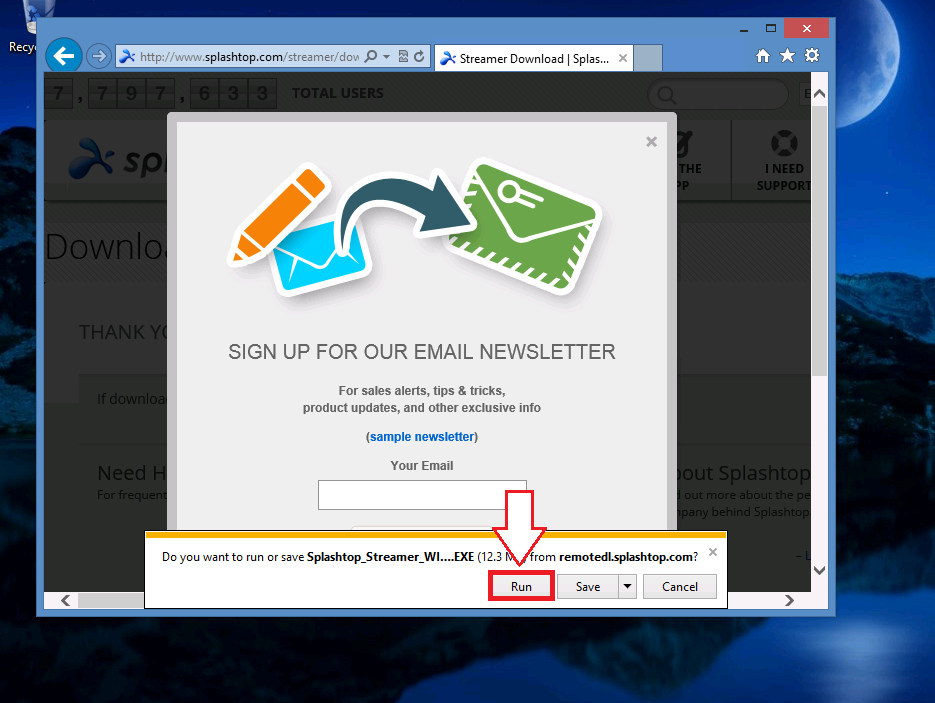
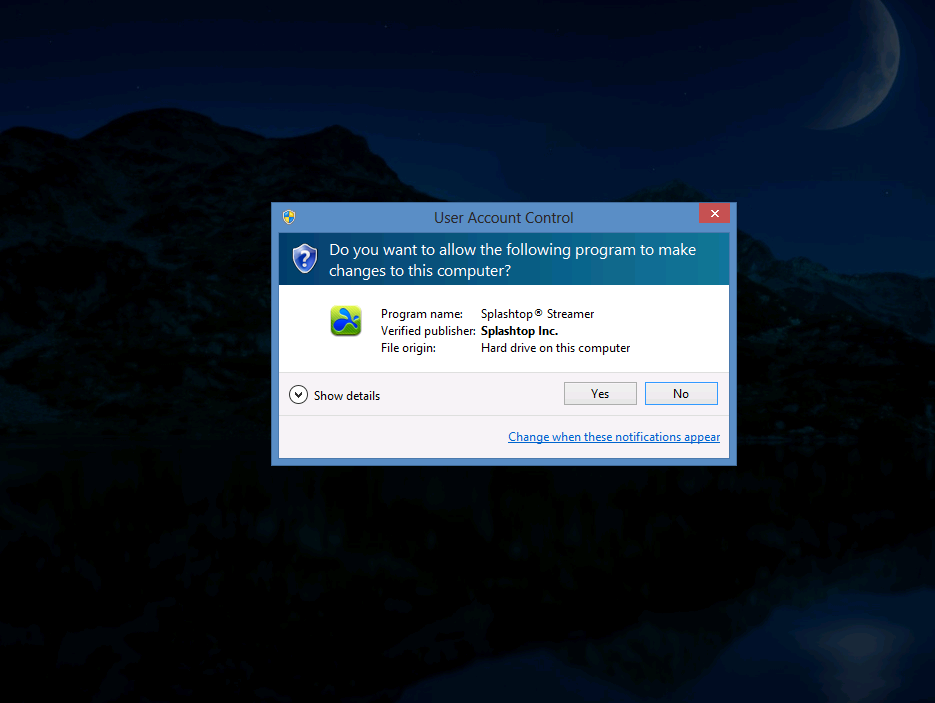
Should UAC prompts, just like the Yes button to continue.
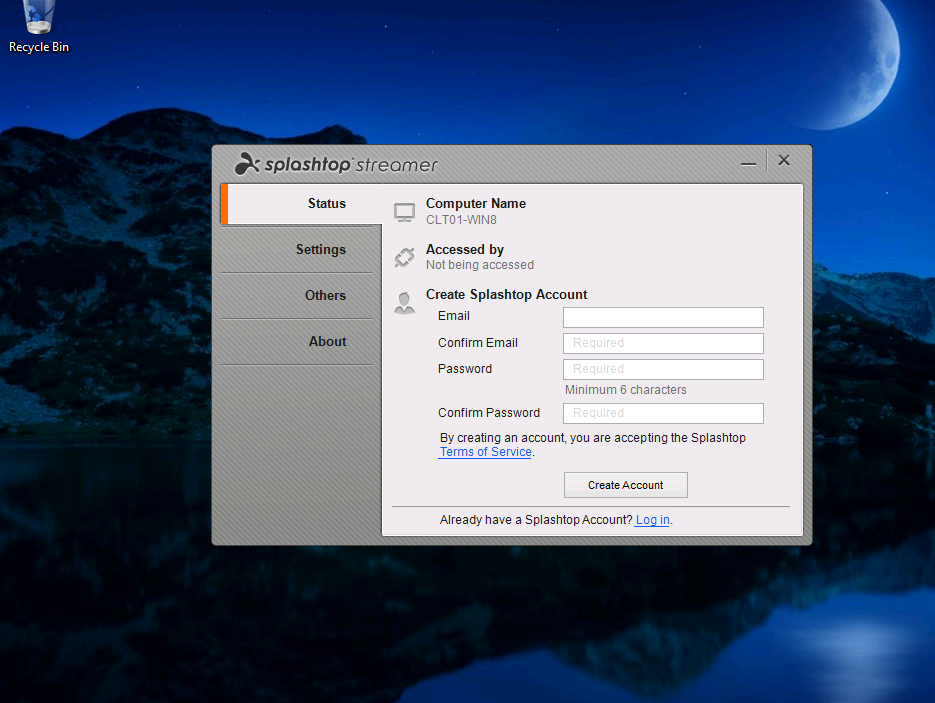
You will need to create a Splashtop Account in order to access your Windows 8 machine.
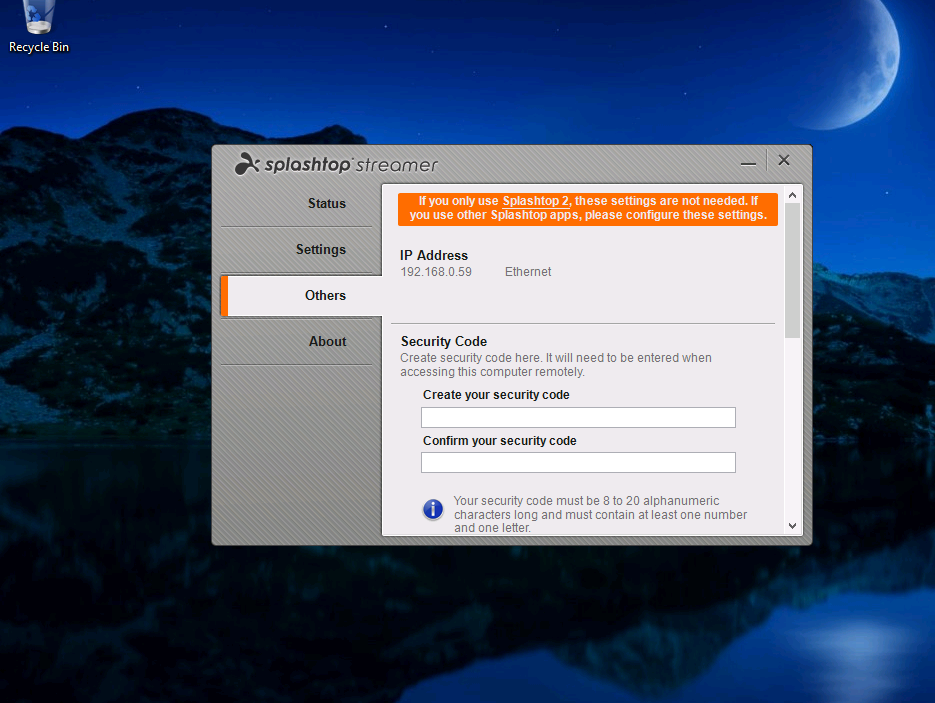
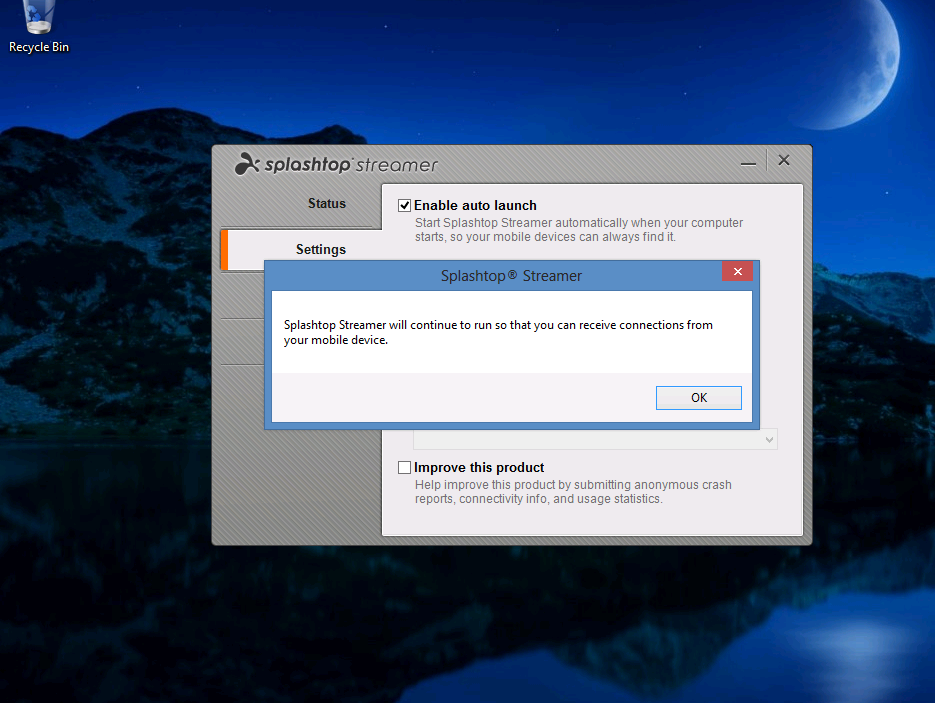
Once you’re done configuring the streamer in Windows 8 go back to your iPad and access Windows 8 from there.
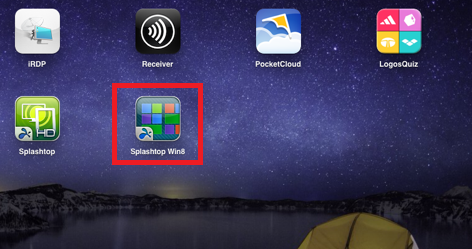
Launch the Splashtop Win8
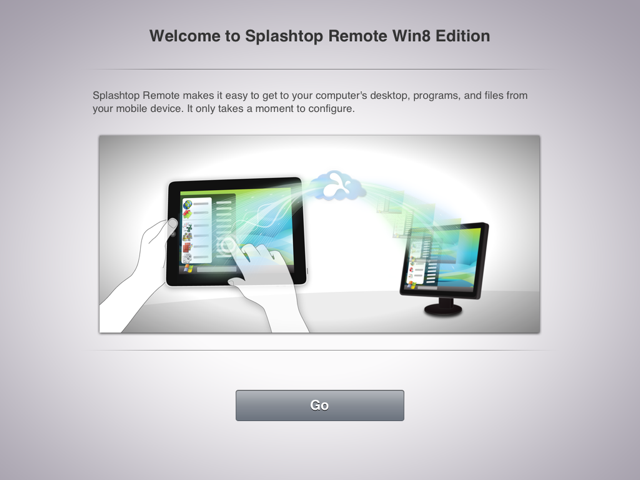
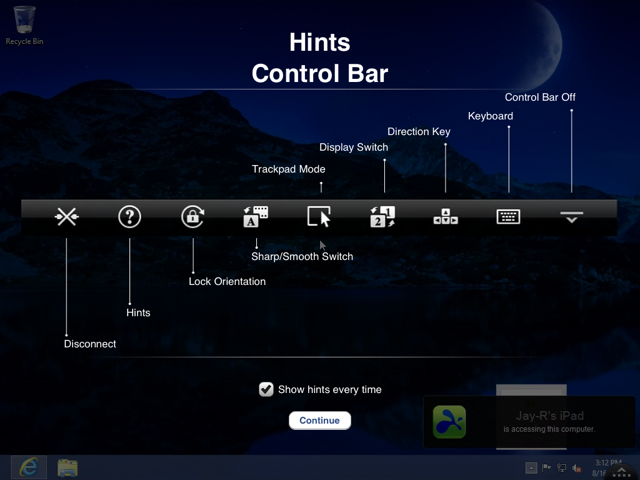
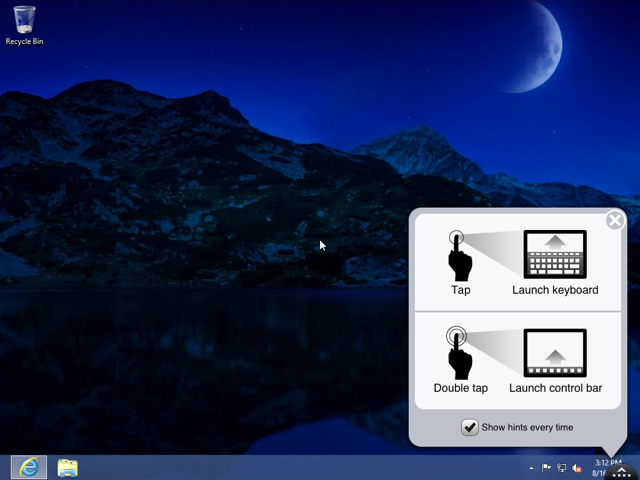 It will take time for users to get to use with this touch experience as the demo in Youtube is completely different to the actual one.



 LABDEMO
Discussion
Trackbacks/Pingbacks
Pingback: Running Windows 8 in iPad 2 « JDeployment - Monitor Urbano | Monitor Urbano - September 4, 2012