//
you're reading...
Uncategorized, Windows 8, Windows 8.1

Windows 8.1 Preview Installation CAPS

Windows 8.1 Preview

Windows 8.1 Preview

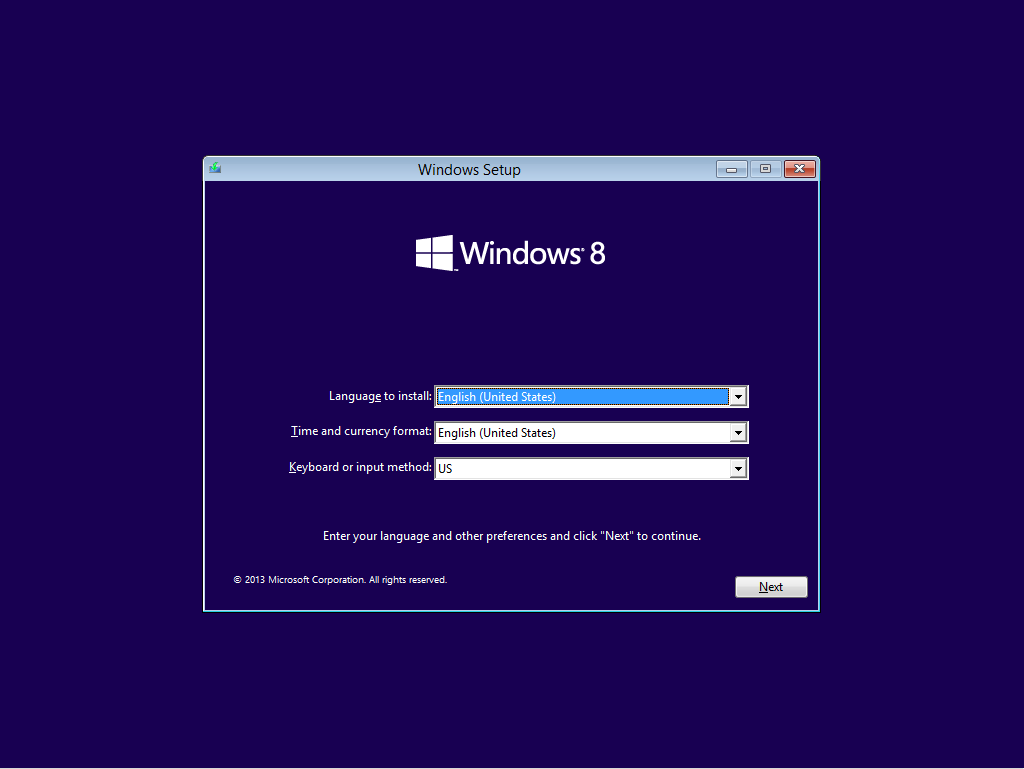
Windows 8.1 Preview Installation
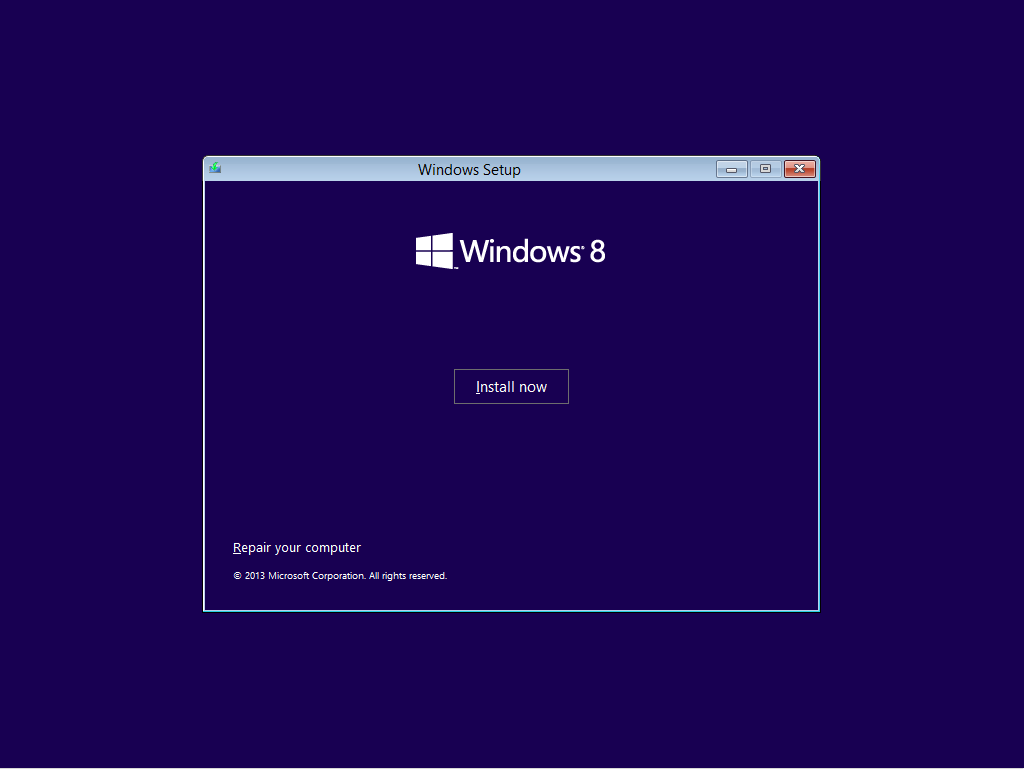
Windows 8.1 Preview Installation
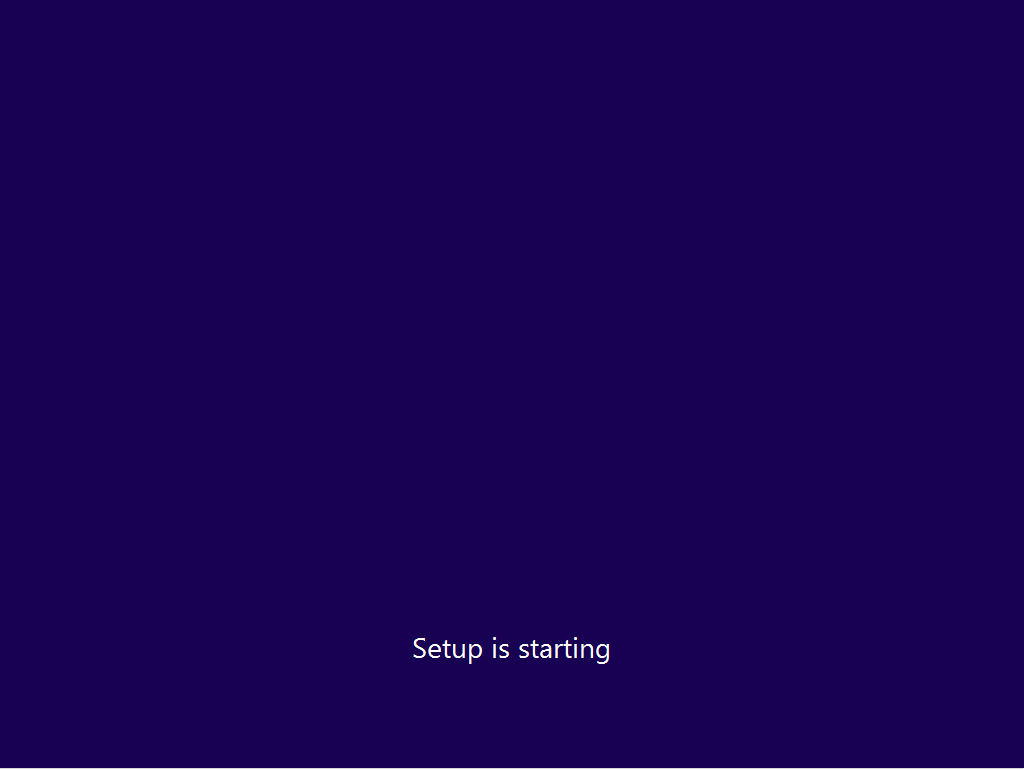
Windows 8.1 Preview Installation

Windows 8.1 Preview Installation

Install Now
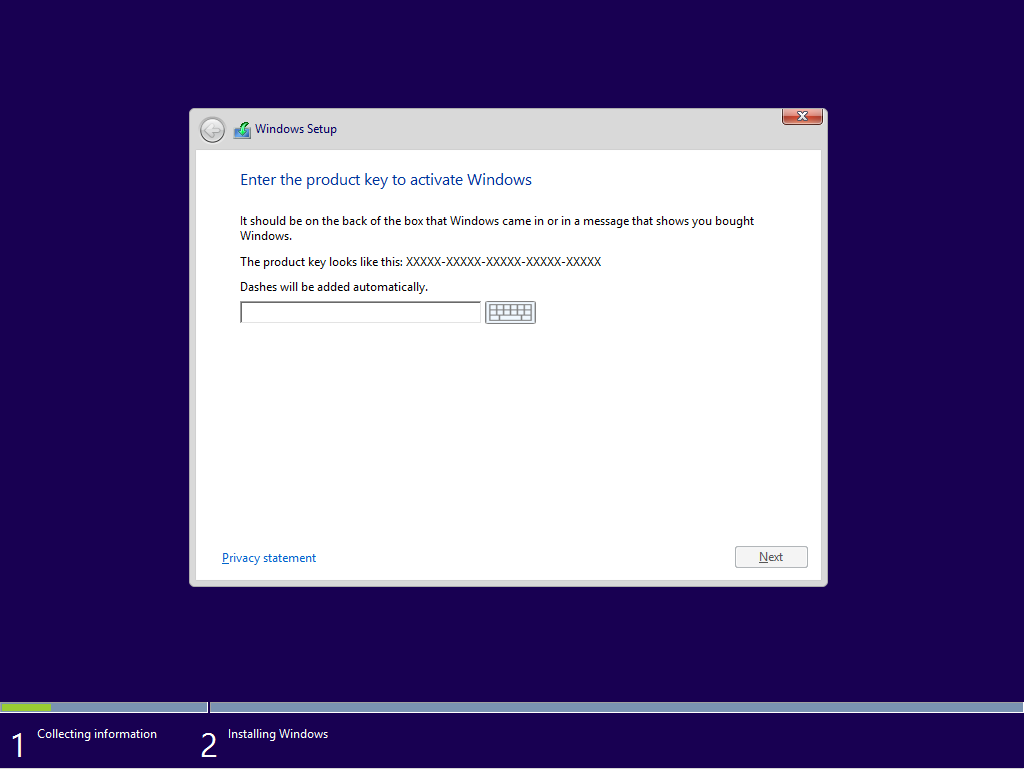
Install Now

Provide Product Key

Provide Product Key

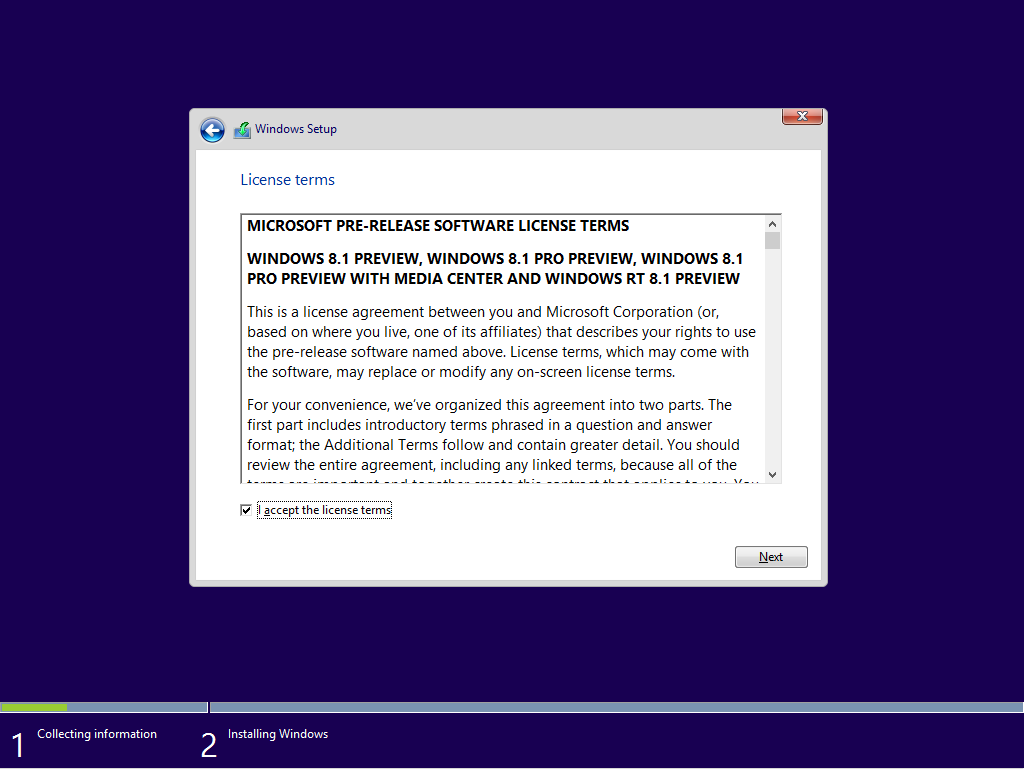
Accept Win 8.1 License Term
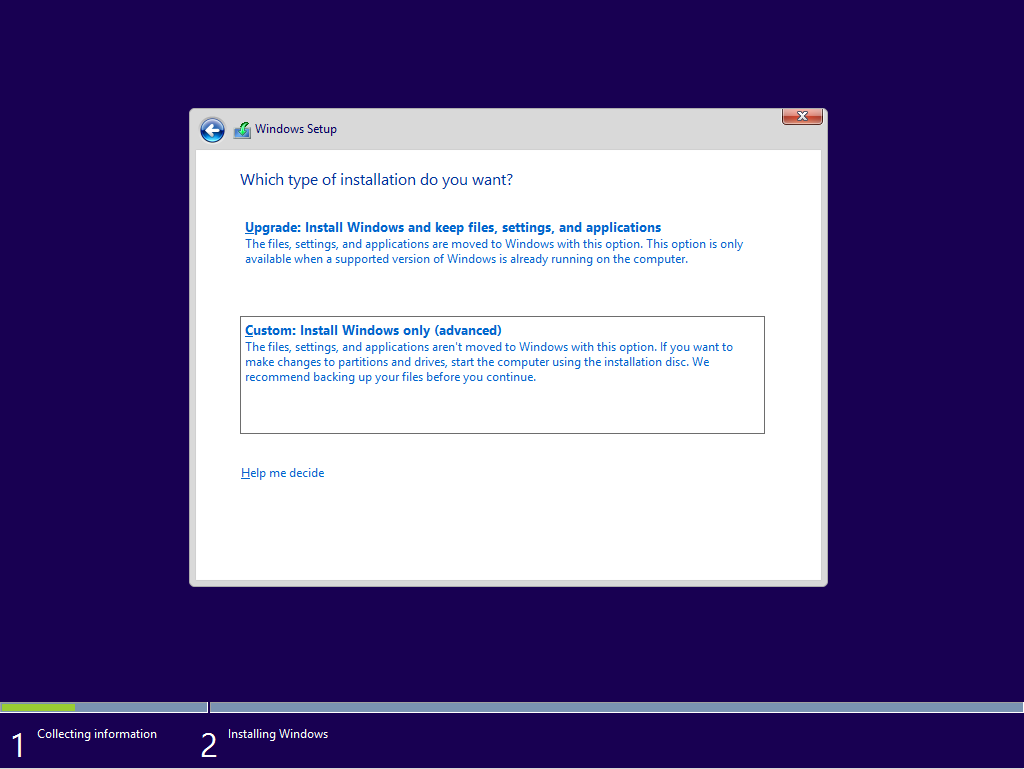
Accept Win 8.1 License Term

Select Custom Installation
Select Custom Installation

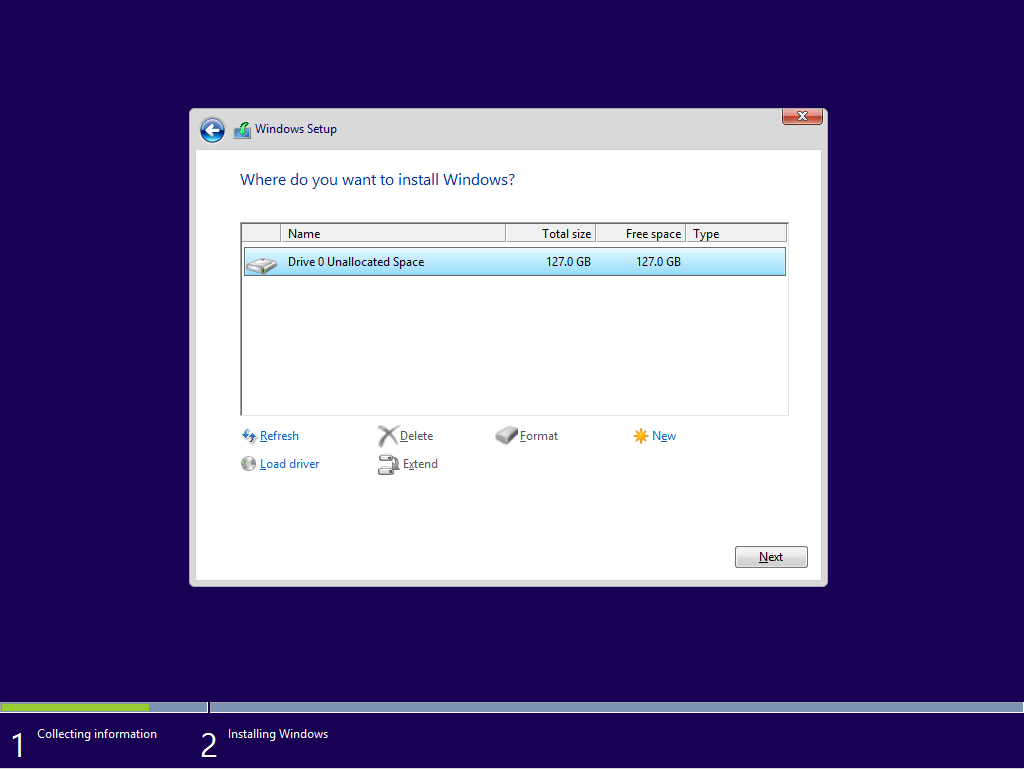
Select a disk where to install Windows
Select a disk where to install Windows

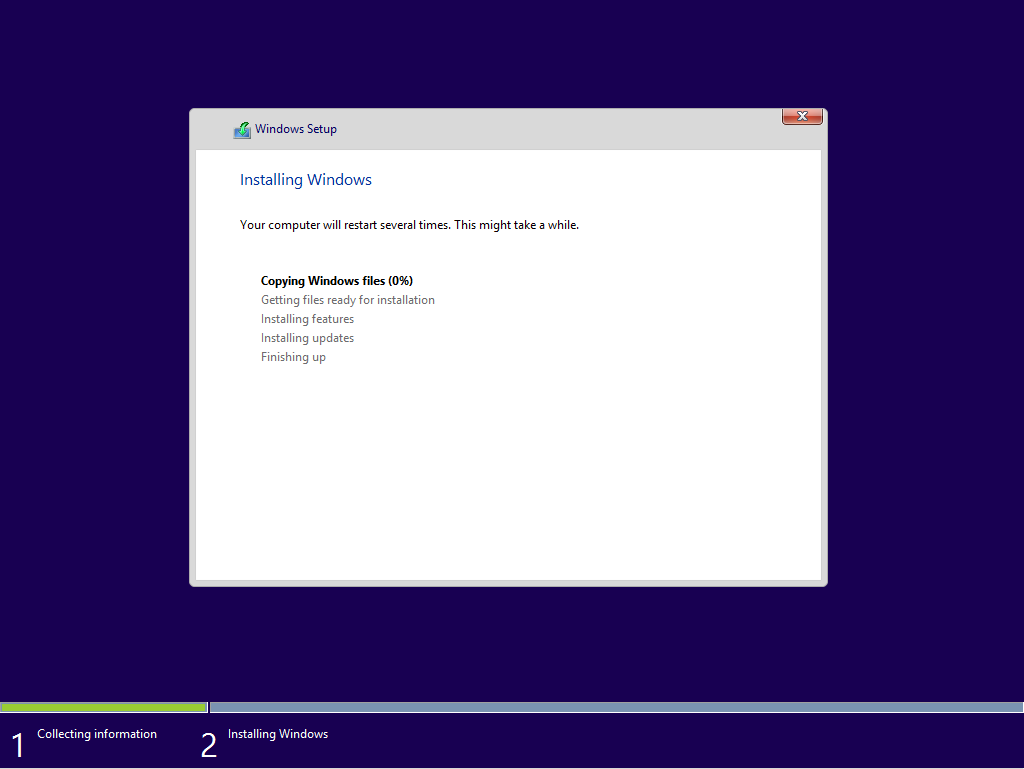
Installation Windows
Installation Windows

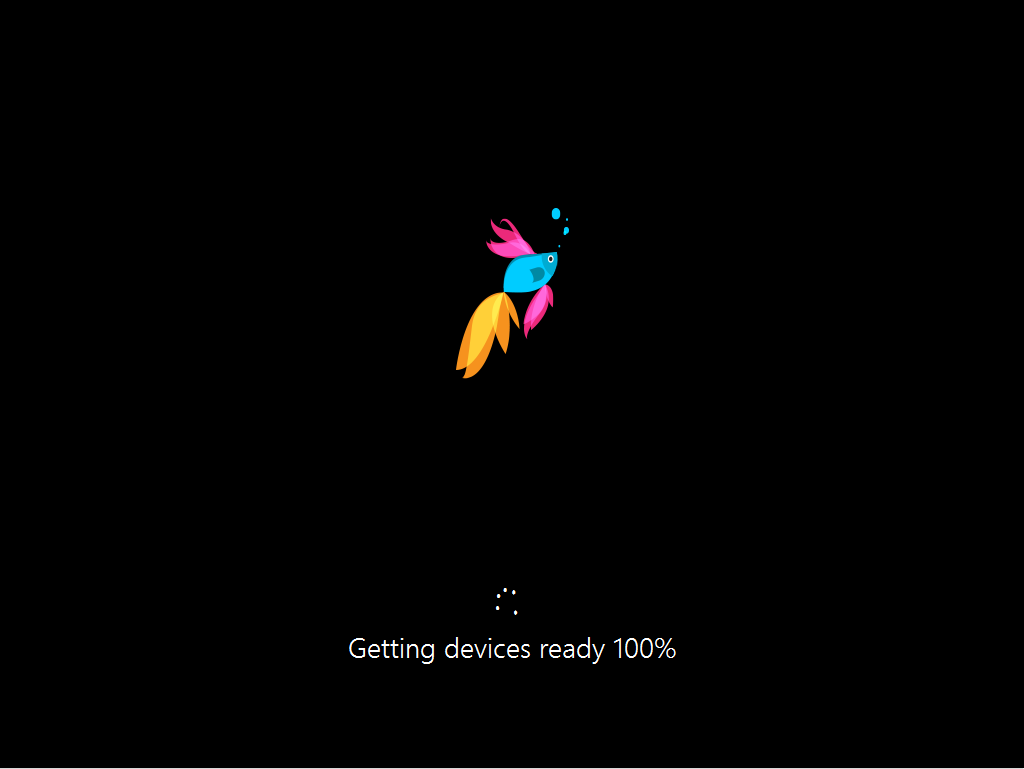
Device getting ready
Device getting ready

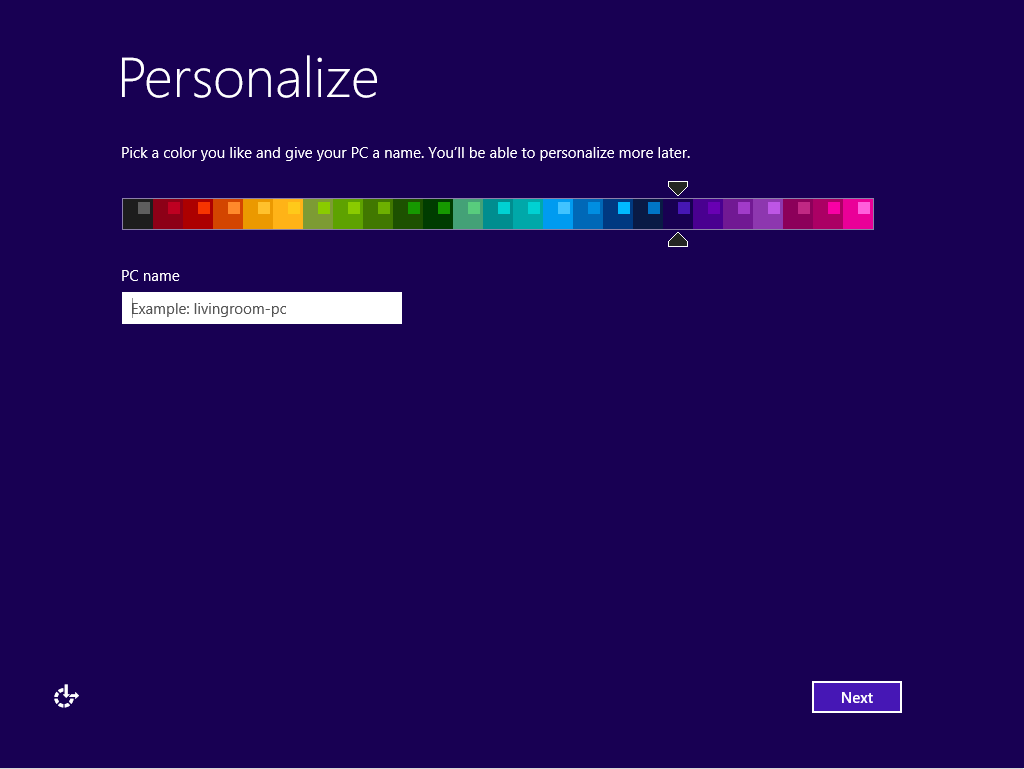
Personalize Windows 8.1
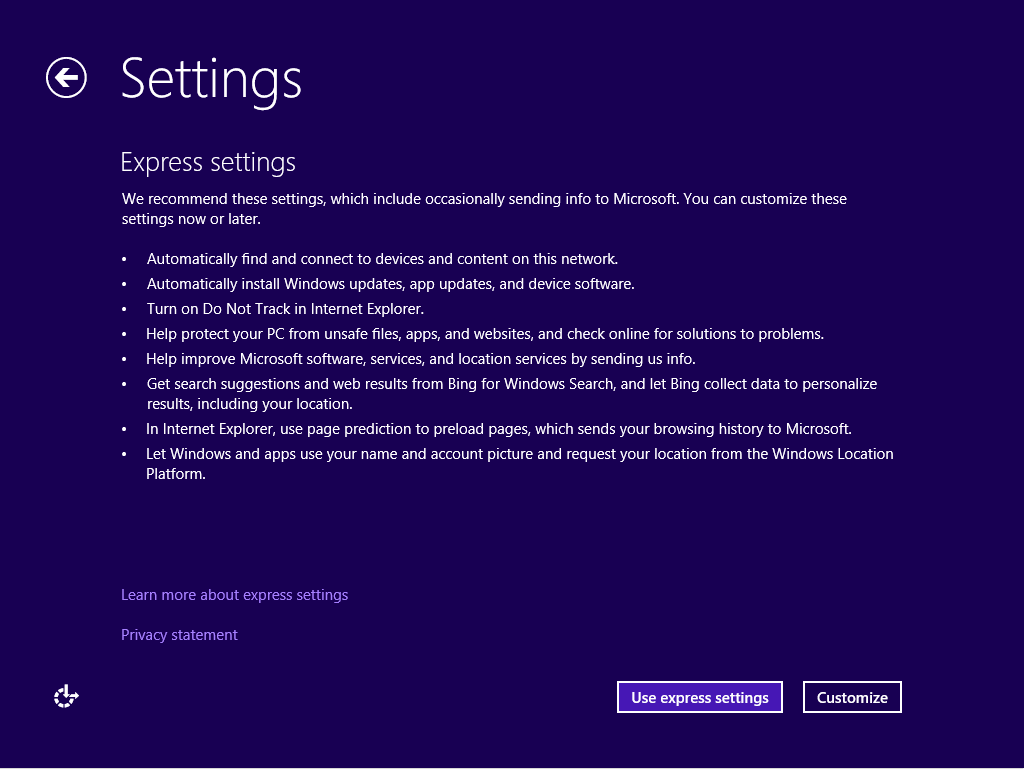
Personalize Windows 8.1

Choose settings
Checking for Internet Connection
Finalizing settings
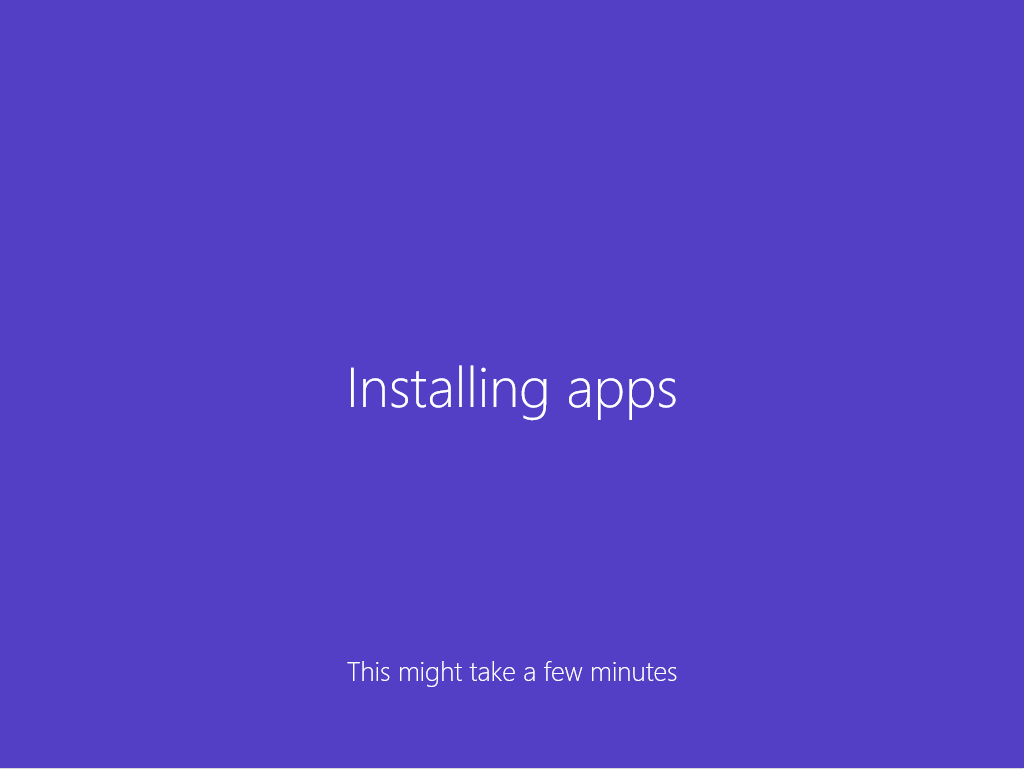
Installing apps

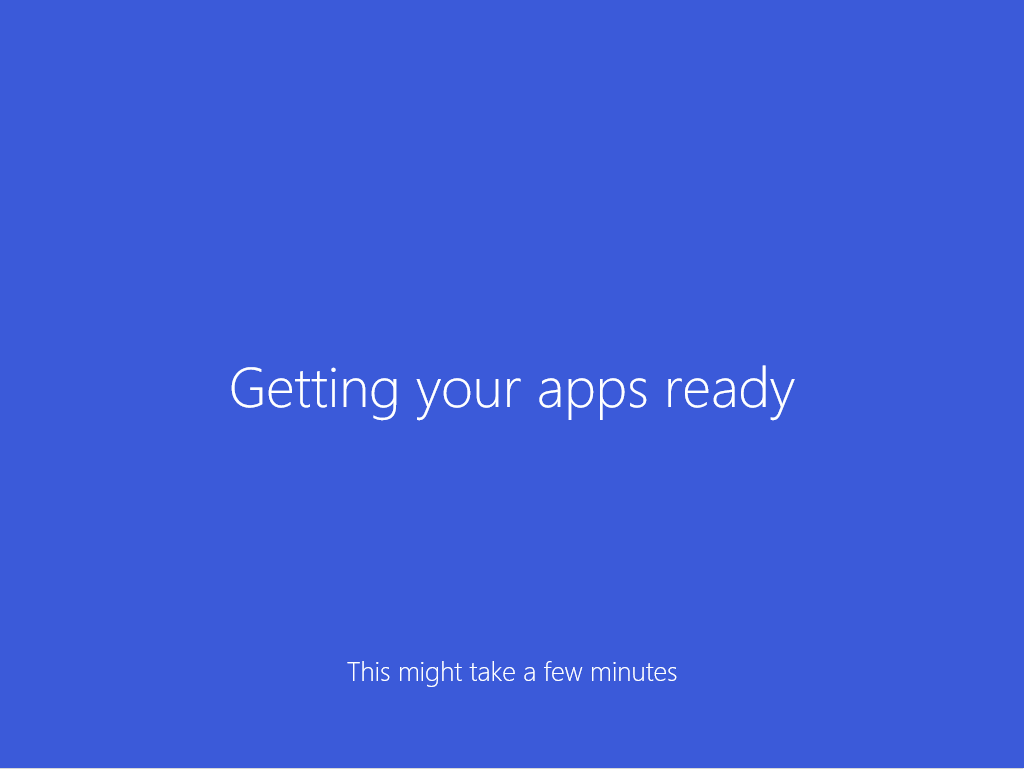
apps getting ready

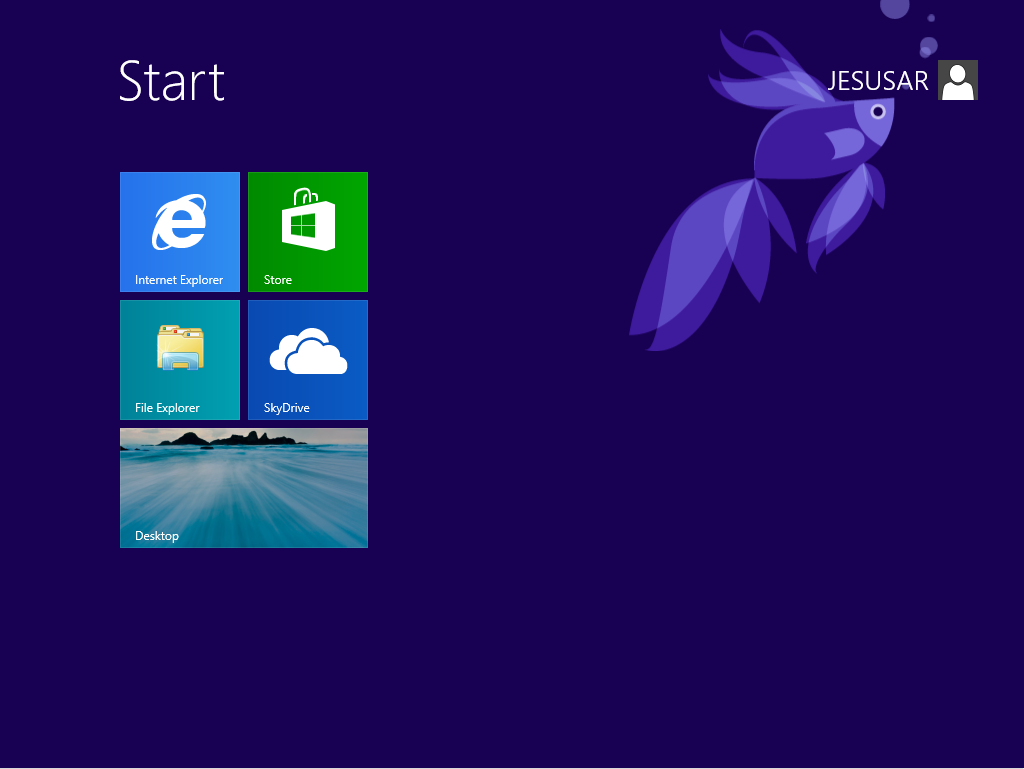
Windows 8.1 Preview Start screen

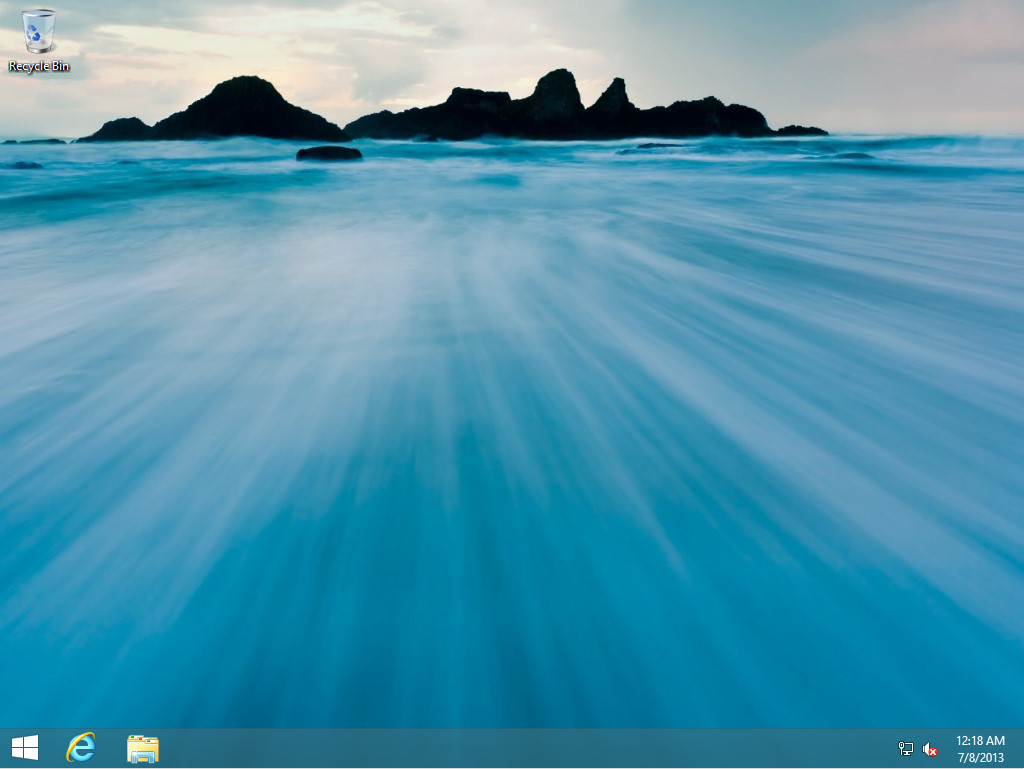
The Start Button is now back In Windows 8.1 Preview

Unknown's avatar

About Jay-R Barrios

EUC Consultant | Modern Endpoint Management | Intune | SCCM | Windows | Community Leader | Microsoft MVP Alumnai

Discussion

No comments yet.

Leave a comment

Microsoft Most Valuable Professional (MVP) Alumni

Philippine Windows Users Group

Enter your email address to subscribe to this blog and receive notifications of new posts by email.

Join 40 other subscribers