Following the installation of System Center 2012 Configuration Manager, for OS Deployment here’s how to integrate MDT 2012 Update 1 to the Configuration Manager.
- Download and install Microsoft Deployment Toolkit 2012 Update 1: http://www.microsoft.com/en-us/download/details.aspx?id=25175
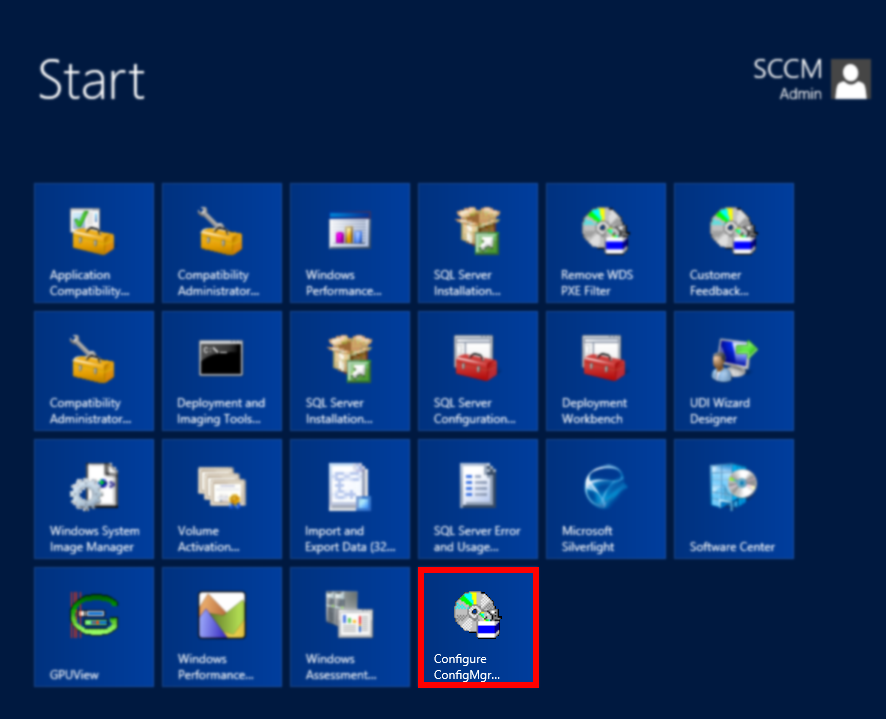
In the Windows Server 2012 Start Menu right-click on Configure ConfigMgr…

and from the menu choose Run as administrator.
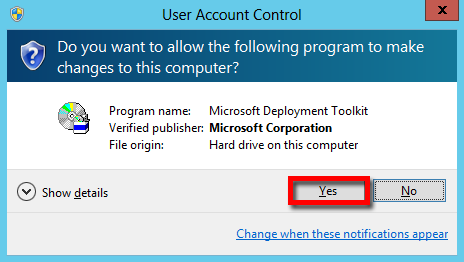
should UAC prompts click Yes.
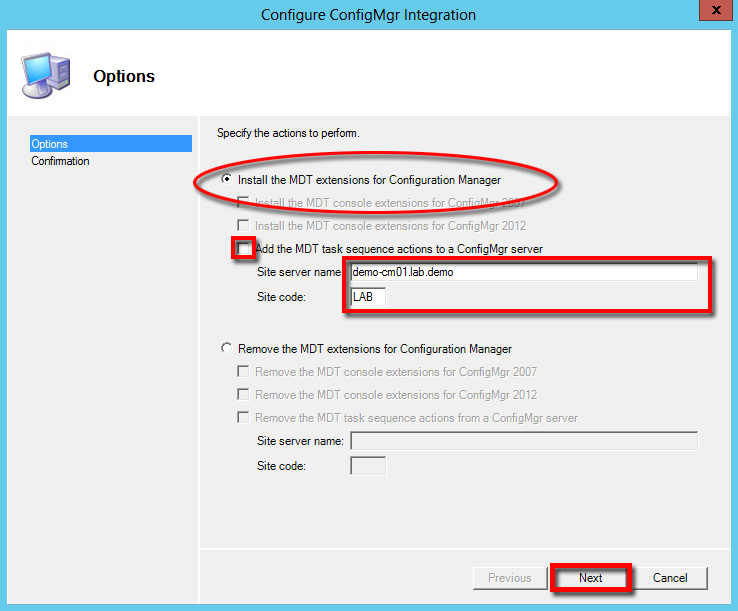 Select Install the MDT extentions for Configuration Manager tick the Add the MDT task sequence actions to a ConfigMgr server box. Input the Site server name and and Site code then click Next.
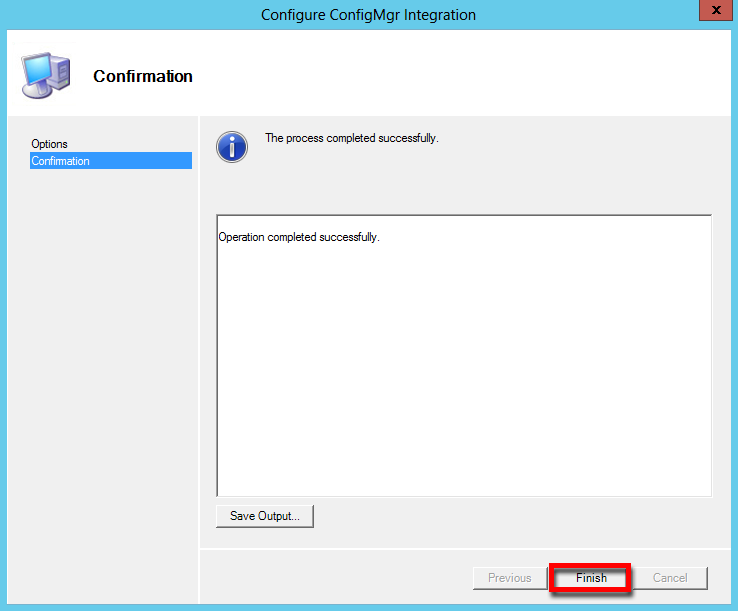
Click Finish.
Note: For Windows 8 and Windows server 2012 deployment using lite touch and zero touch you’ll need to download and install
- Windows ADK (Assessment and Deployment Kit): https://jayrbarrios.com/2012/03/01/winadk/



 LABDEMO
Discussion
No comments yet.