This post will show the step by step implementation of 3 node Failover Cluster for Hyper-V.

| # | Steps |
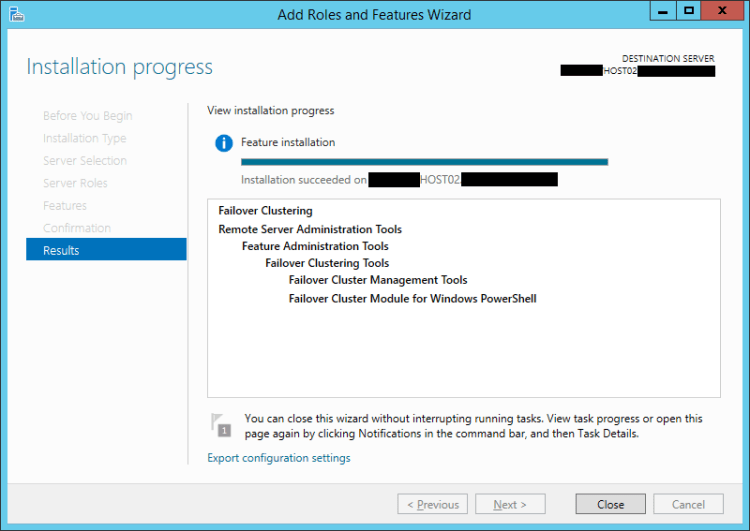
| 1 | Make sure that the Failover Clustering Roles is installed in the 3 host.
|
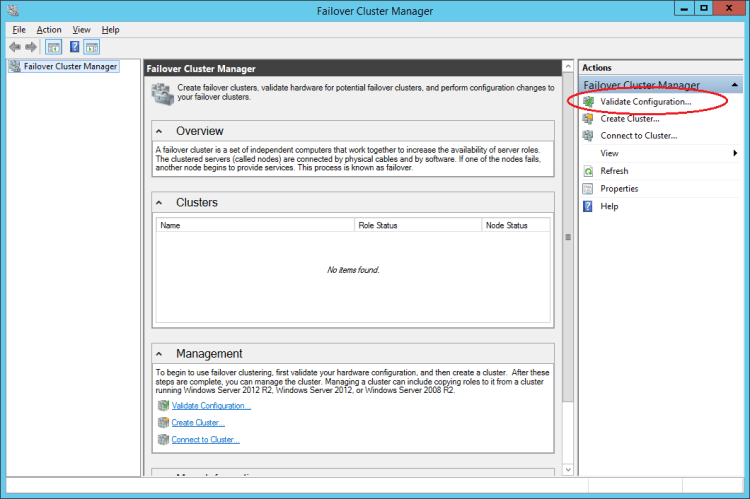
| 2 | a) Login in one of the hosts, e.g., Host01 and launch the Failover Cluster Manager
b) In the Actions pane, click on Validate Configuration
|
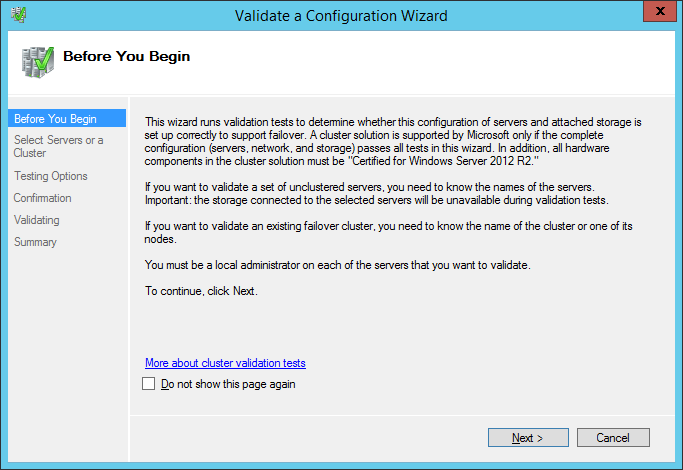
| 3 | The Validate a Configuration Wizard will prompt, click Next.
|
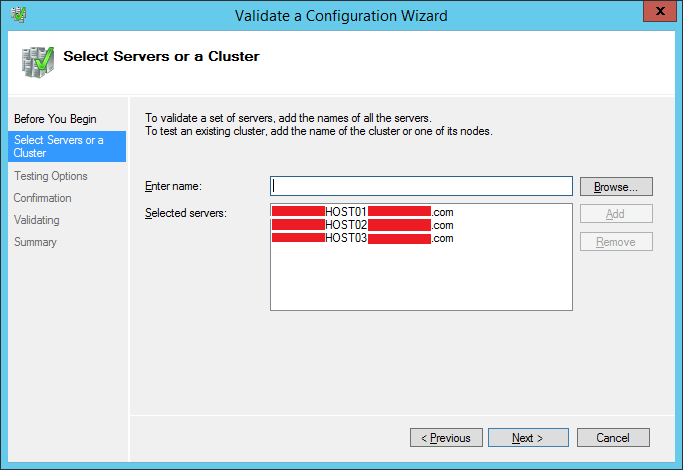
| 4 | In the Select Servers or a Cluster page, add the 3 hosts and click Next.
|
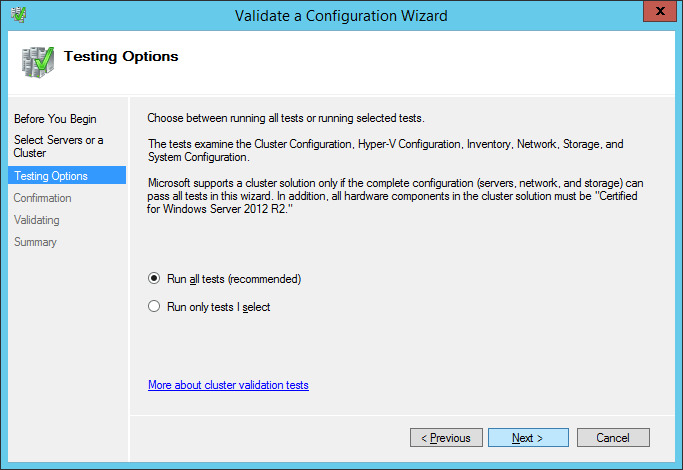
| 5 | In the Testing Options page, select Run all tests radio button and click Next.
|
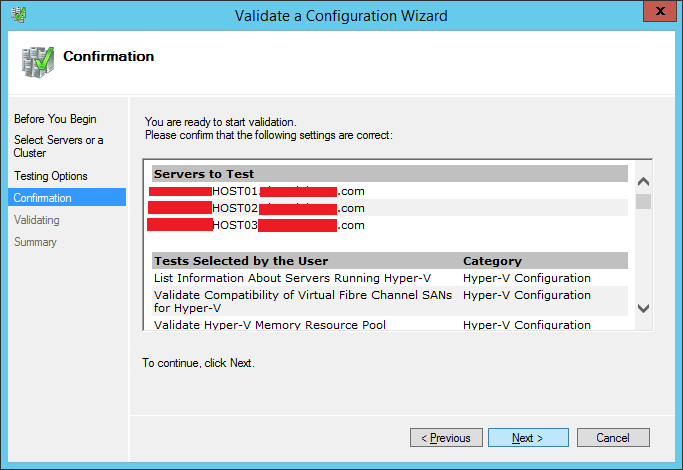
| 6 | In the Confirmation page, click on Next to start the validation.
|
| 7 | 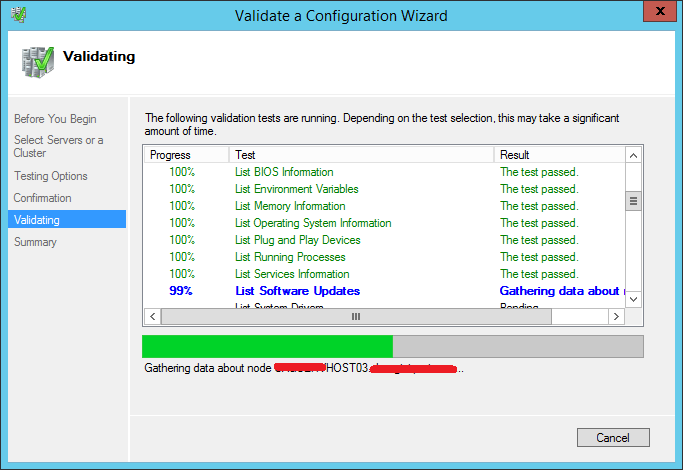 |
| 8 | Verify that the validation is completed successfully, further more, you can click on the View Report button for the complete summary for the validation.
Click Finish to close the Wizard.
|
| 9 | a) Back in the Failover Cluster Manager
b) In the Actions pane, click on Create Cluster |
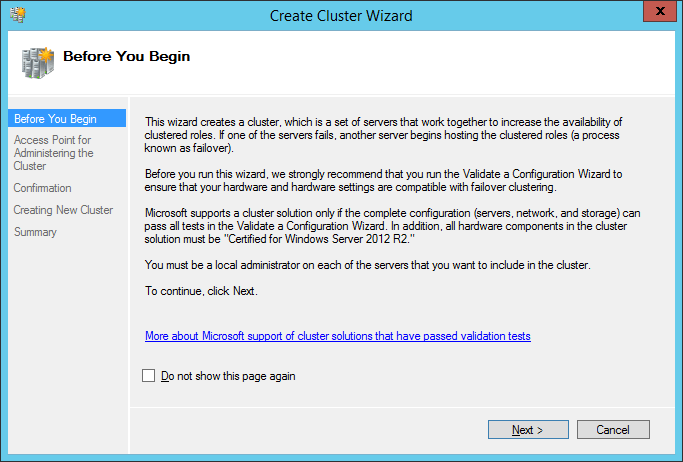
| 10 | In the Create Cluster Wizard, click Next
|
| 11 | Assign a cluster name and IP address and click Next
|
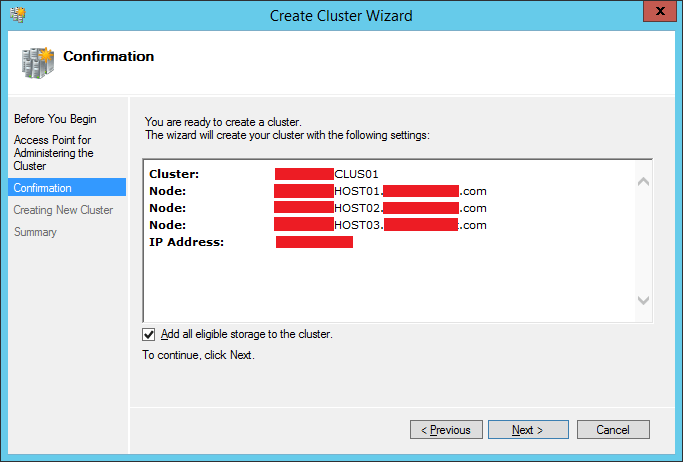
| 12 | Click Next
|
| 13 |  |
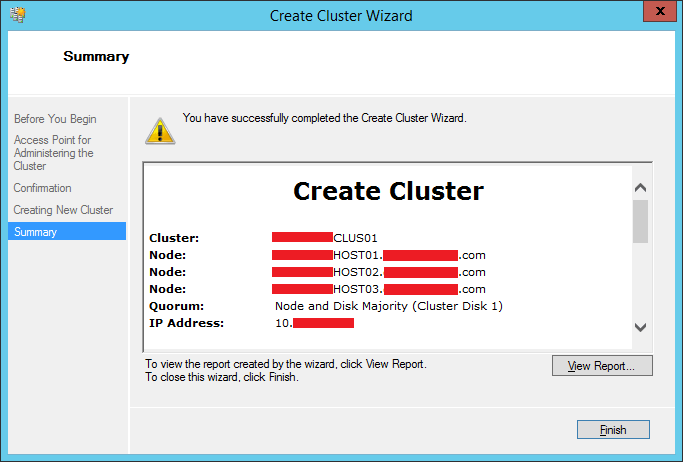
| 14 | Click the Finish button to complete the Creation of a cluster.
|







 LABDEMO
Discussion
No comments yet.