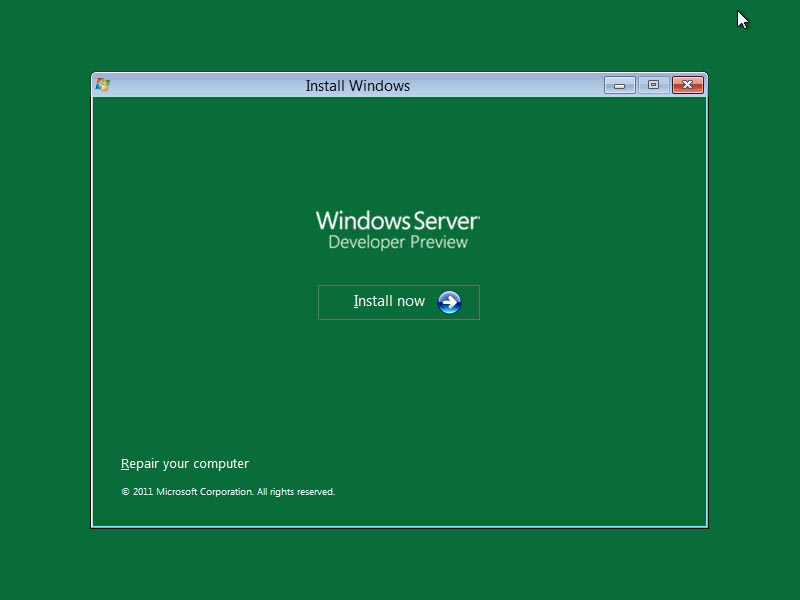
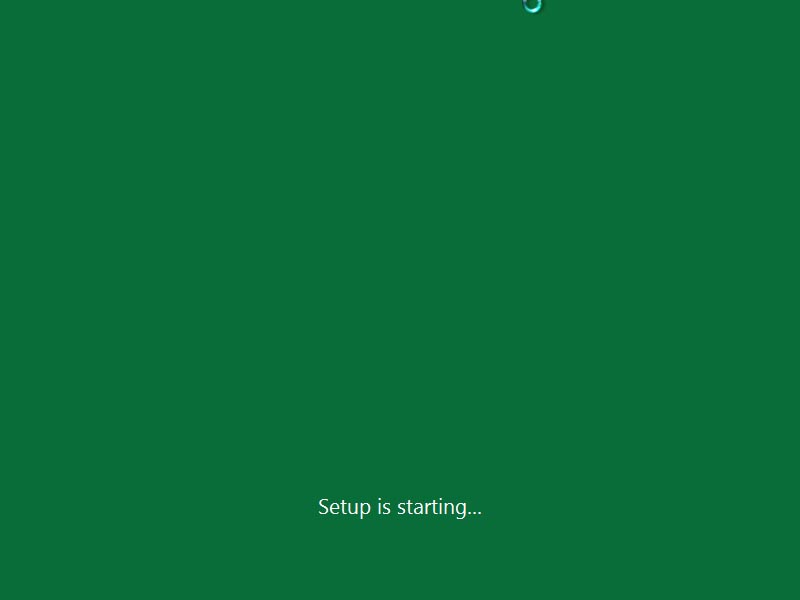
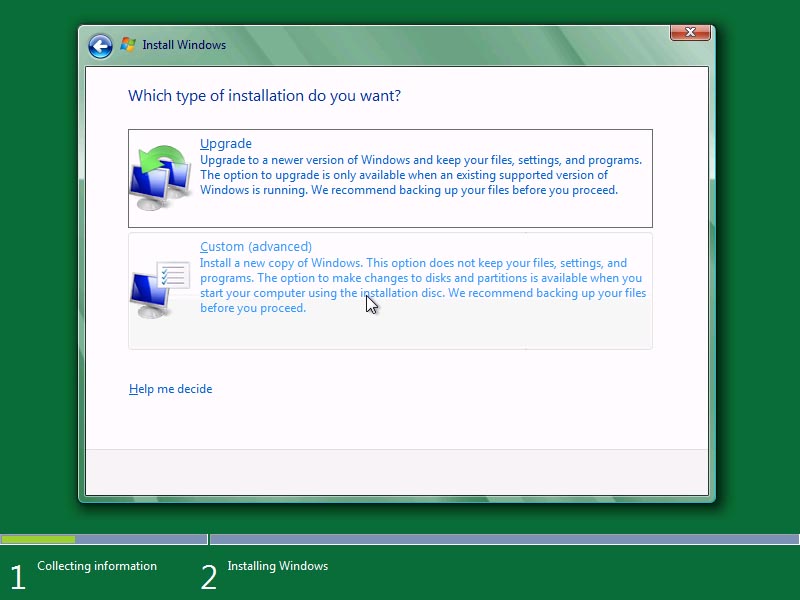
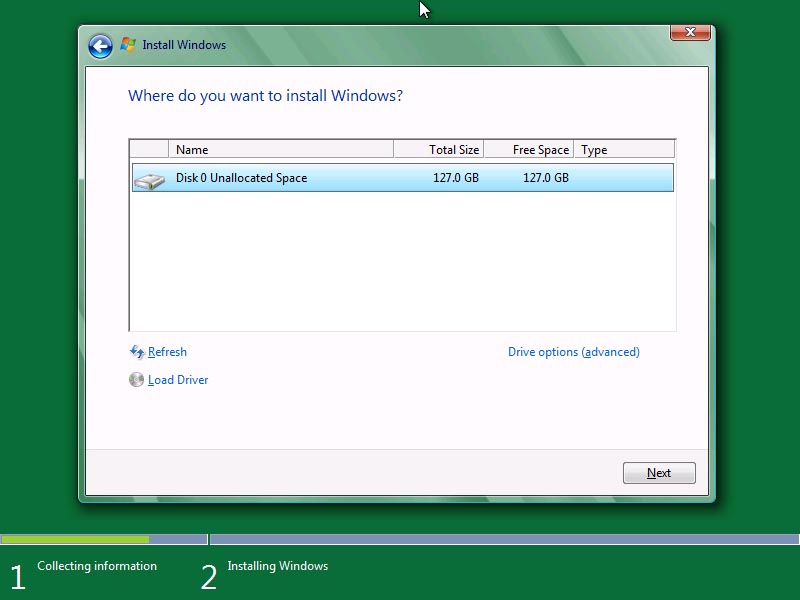
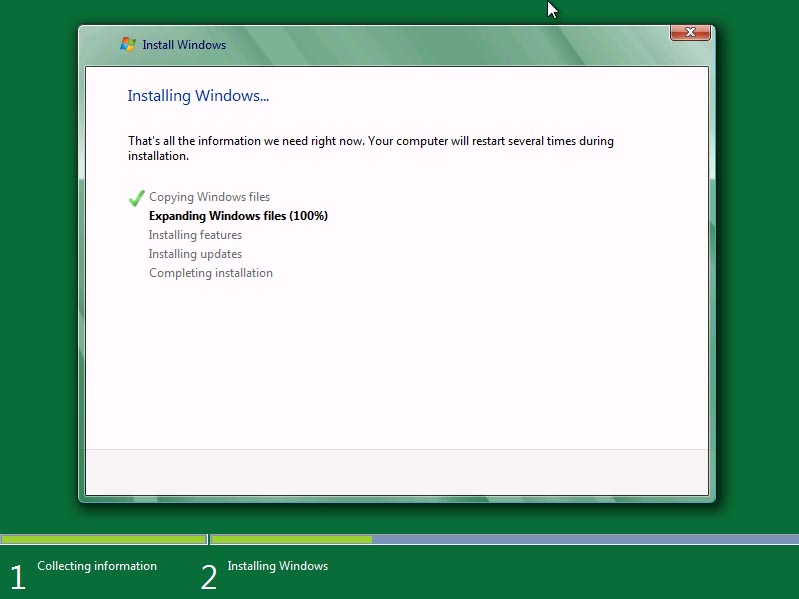
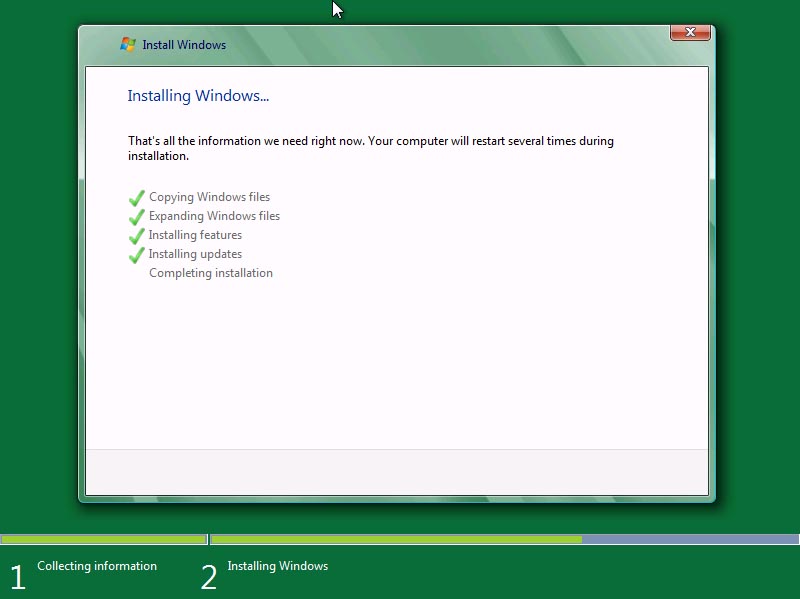
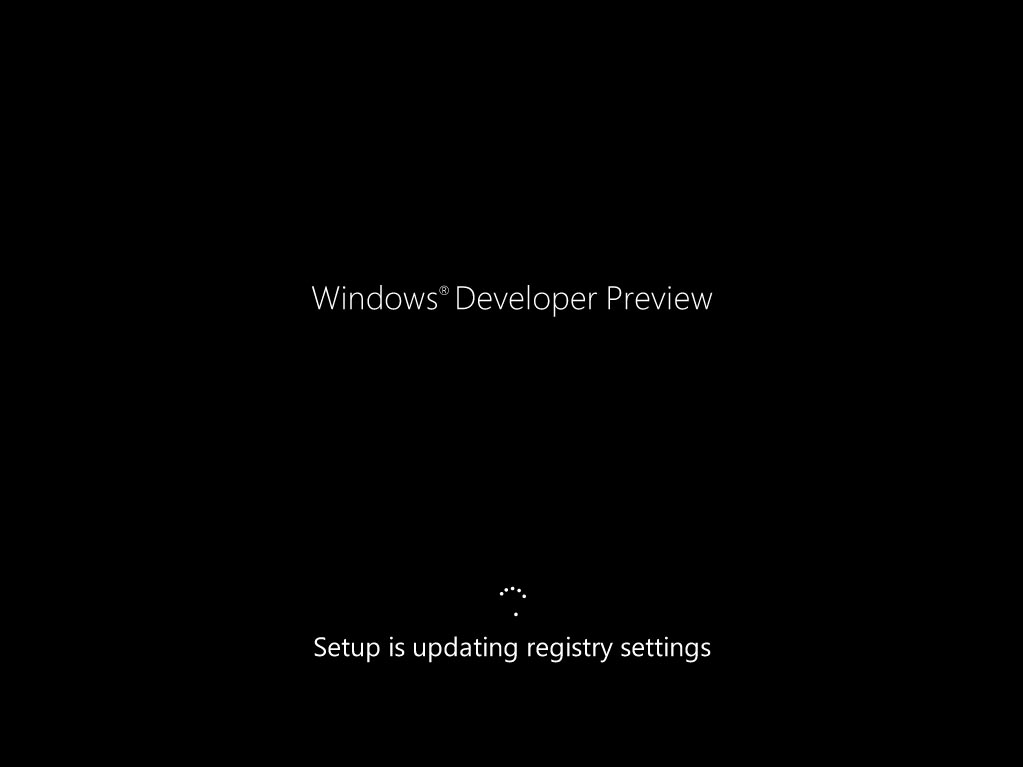
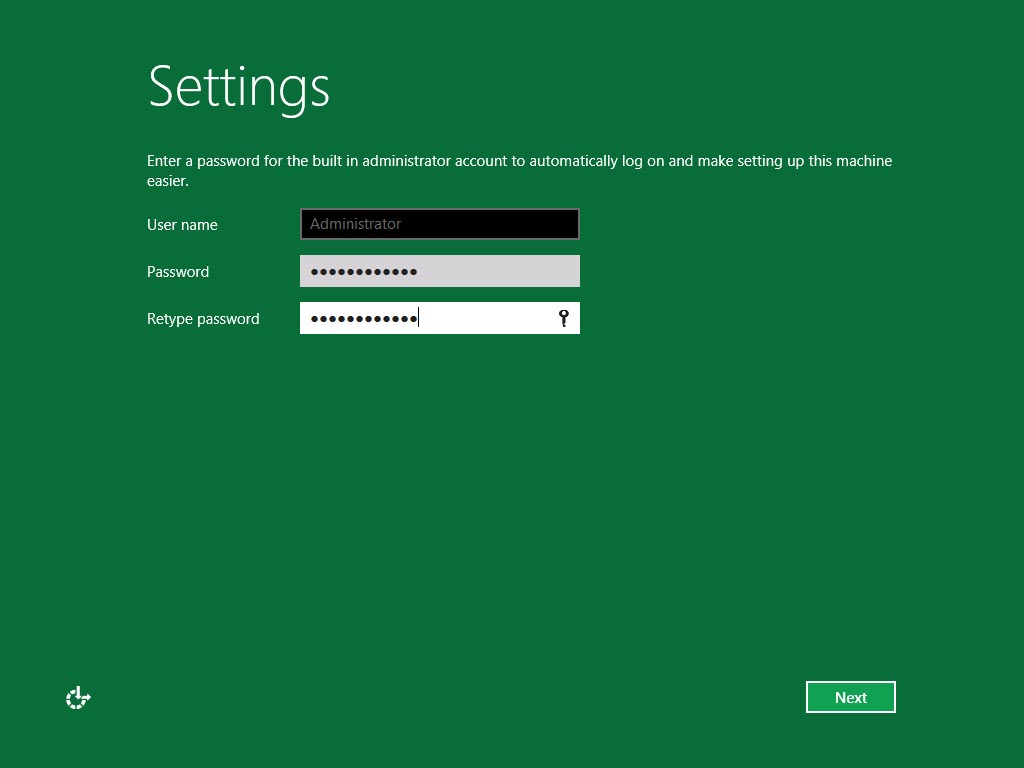
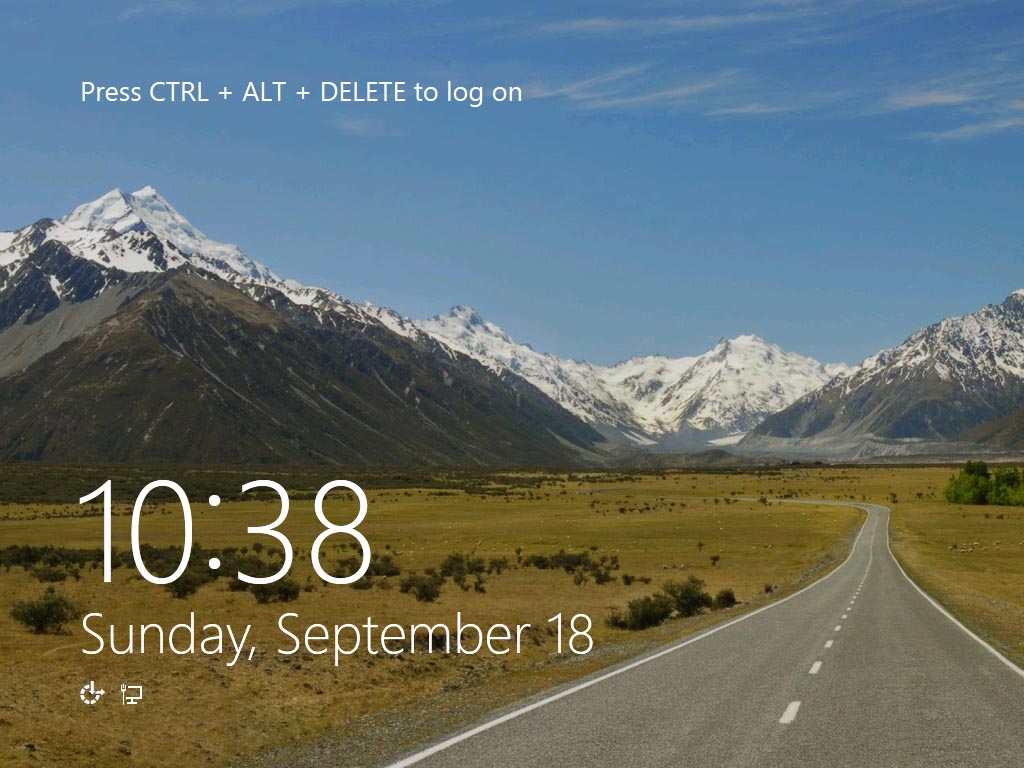
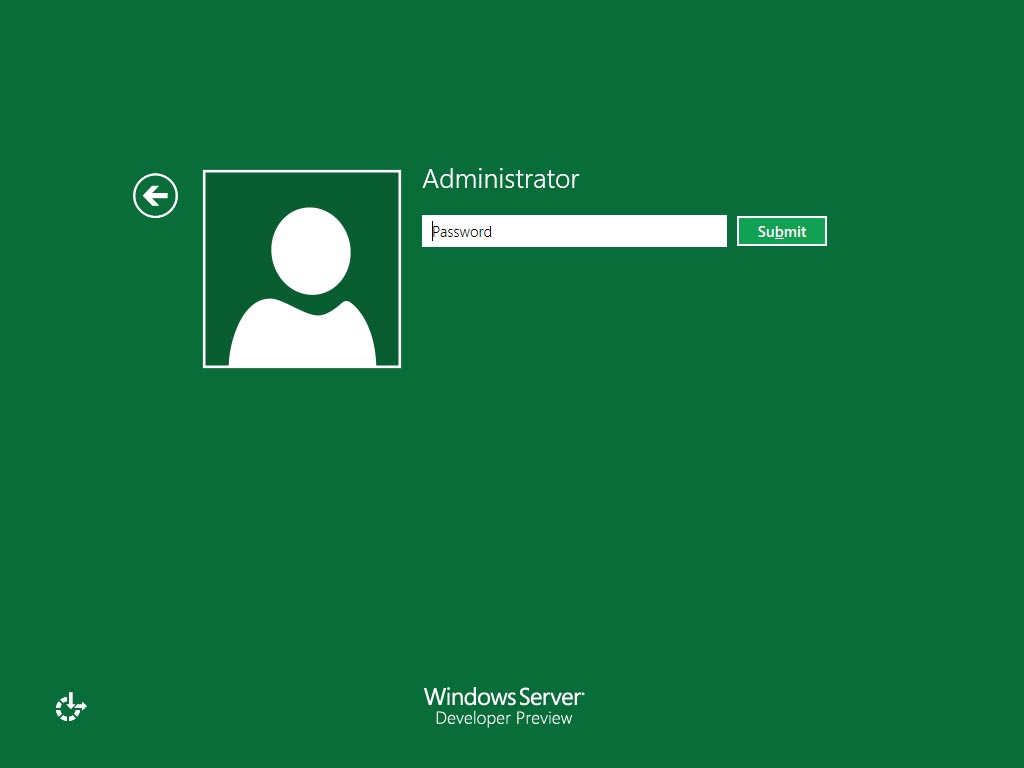
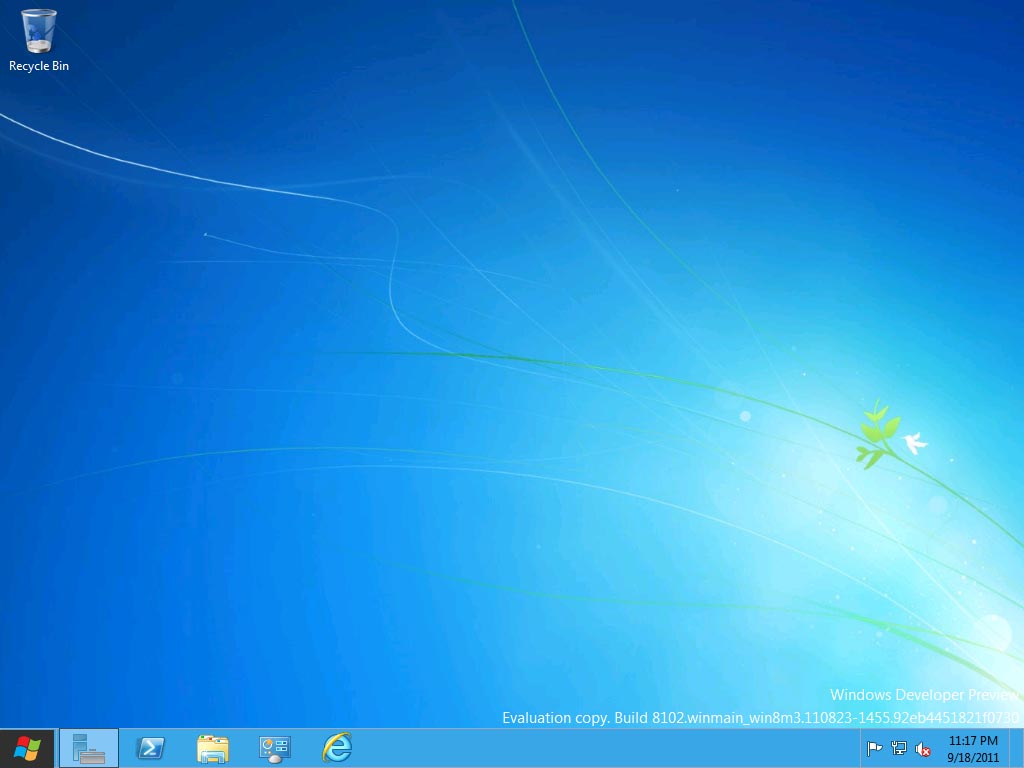
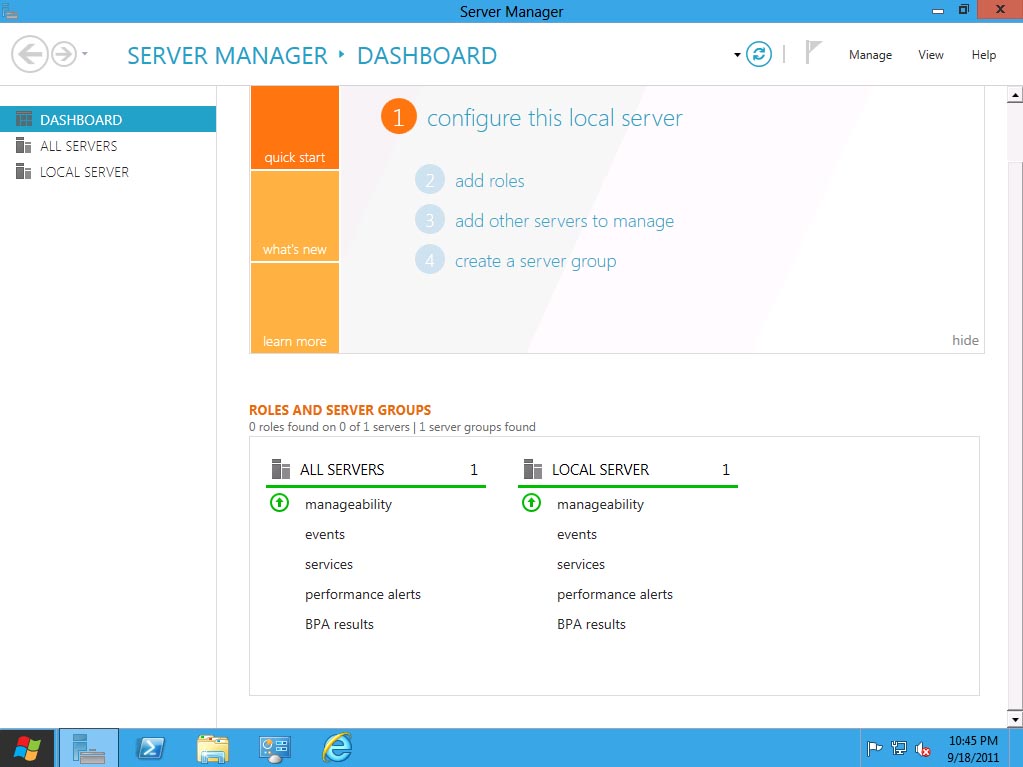
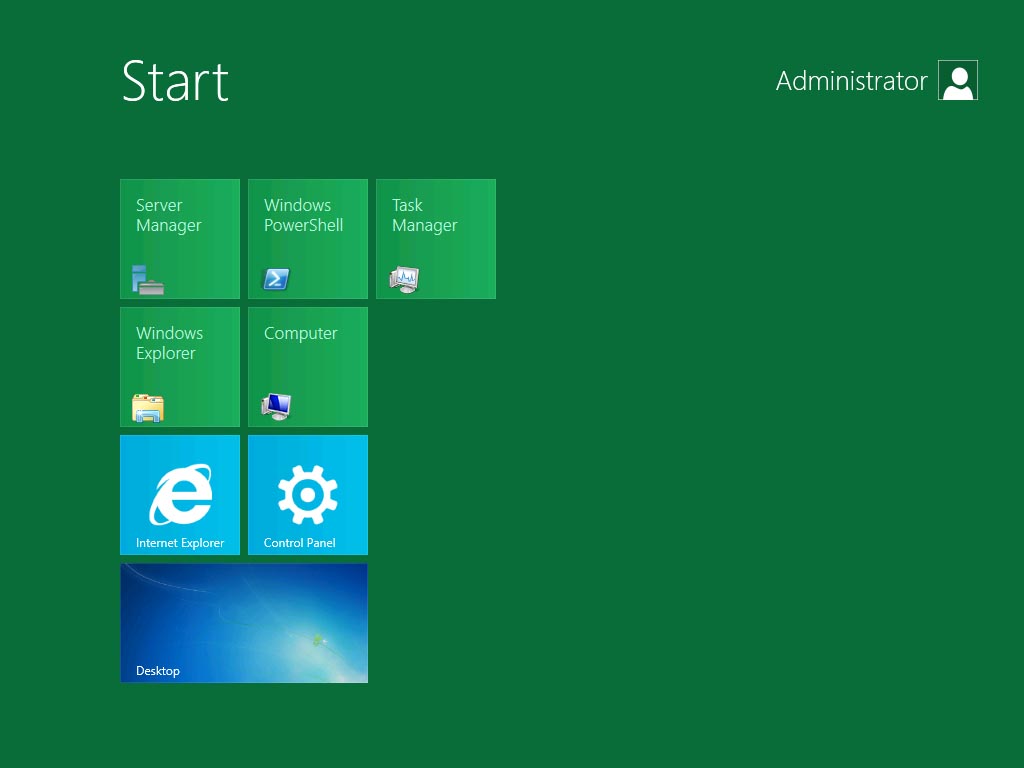
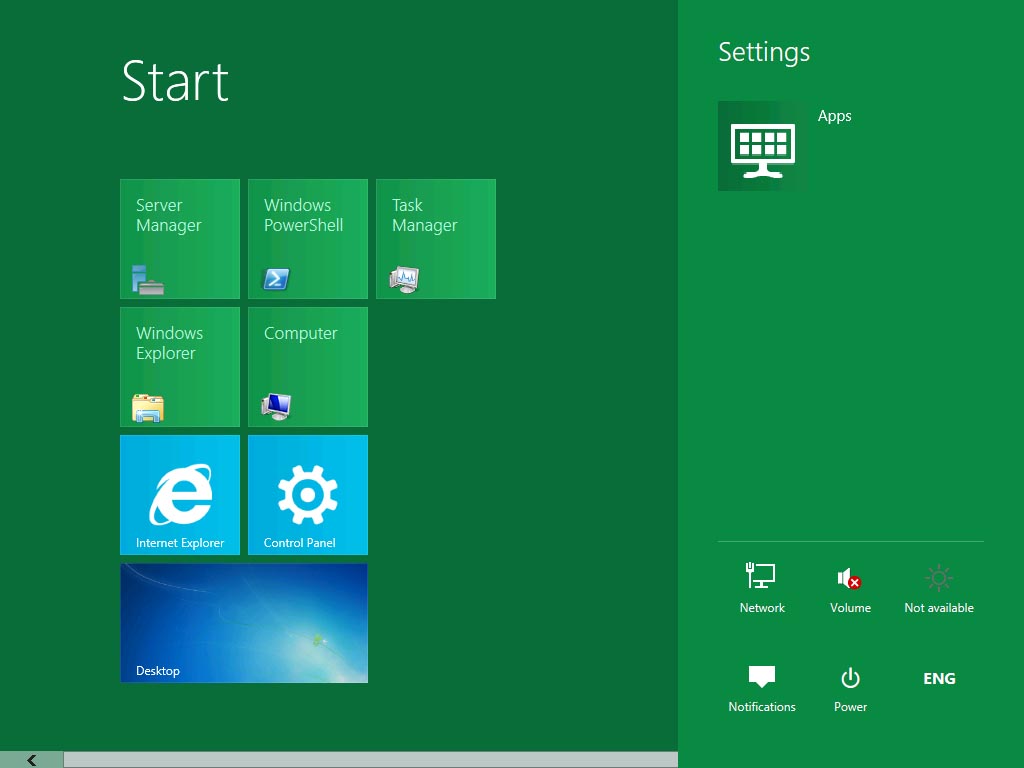
Windows 8 Server Installation Screen Caps
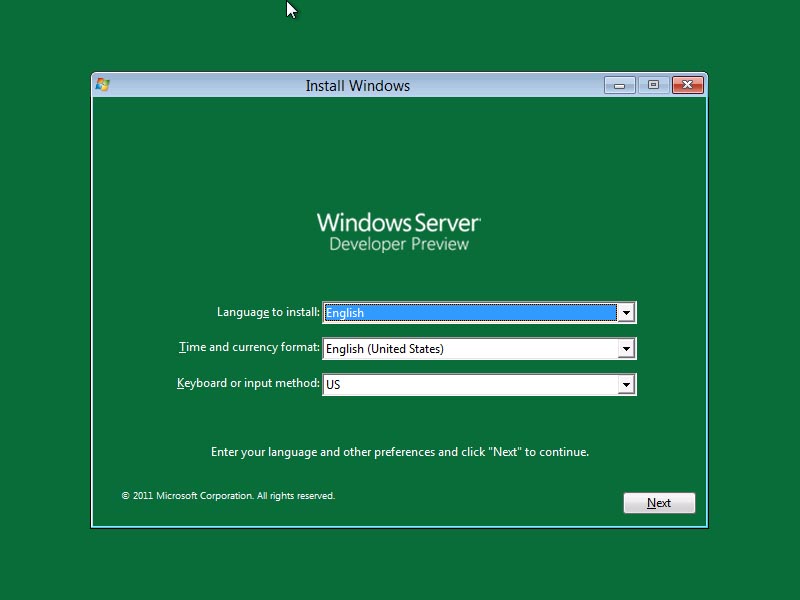
Windows Server 8 Developer Preview Installation Screen Caps
I recently got a Dell PowerEdge T110 II for my test lab. Normally, when setting up a server environment, one has to have physical network connection for internet connectivity which is required for installing the latest system and security updates for the operating system. Since we are using wireless internet connectivity in our flat: mostly…
Here’s how to add roles in Windows 8 Server Developer Preview There are several methods to add roles from the Server Manager. In this scenario: right-click a server where you will install a certain role under All Servers then select Add Roles and Features. The Add Roles and Features Wizard will prompt, click the Next button. In the Select…
This post will show how to install System Center Virtual Machine Manager 2012. Once your environment has meet the requirements for SCVMM 2012, the installation is fairly straight forward. In my lab have the following servers: DC01 – created the SCVMM admin users and group SCVMM01 – added the SCVMM admin users and group…
Installing Windows OS through USB drives has been possible since Windows Vista and Windows 7, so if you still have your bootable USB with you: In the USB drive create a New folder and move all the installation files of the previous OS in that folder. Extract the ISO file of the WindowsDeveloperPreview and copy that…
Here’s how an attended installation of Windows Developer Preview via Windows Deployment Services looks like (too excited and opted not to create an answer file) I have setup one of my member server’s WDS Role (link here: on how to setup a WDS role) and added the Install.wim file of Windows 8 Developer Preview. Here are…
Subscribe now to keep reading and get access to the full archive.