PHIWUG: Windows 7 Deployment Essentials PART 3
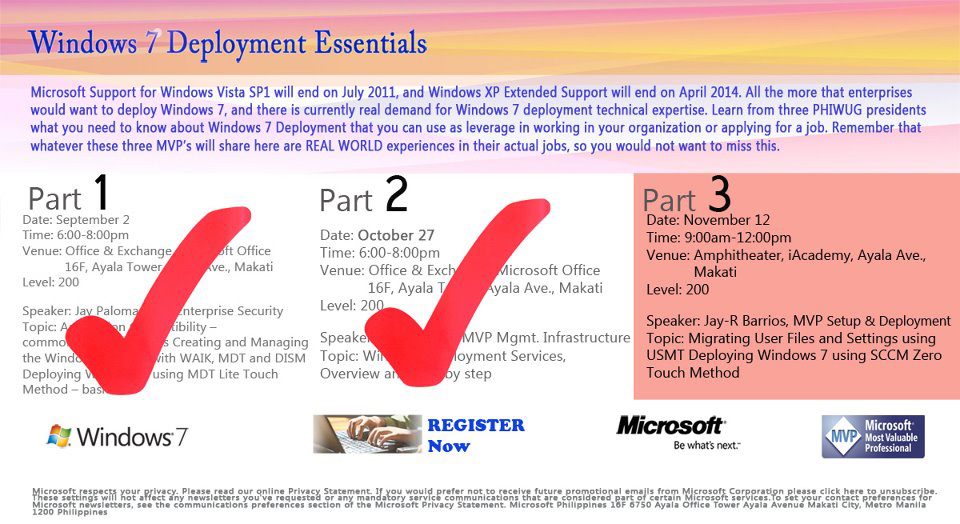
Amphitheater, iAcademy
6764 Ayala Avenue
Makati Metro Manila 1226
Philippines
November 13, 2011
Register online: http://bit.ly/onZ4ml

Amphitheater, iAcademy
6764 Ayala Avenue
Makati Metro Manila 1226
Philippines
November 13, 2011
Register online: http://bit.ly/onZ4ml

Installing Windows OS through USB drives has been possible since Windows Vista and Windows 7, so if you still have your bootable USB with you: In the USB drive create a New folder and move all the installation files of the previous OS in that folder. Extract the ISO file of the WindowsDeveloperPreview and copy that…

Just for fun, if you want to try out the touch experience of Windows in your iPad, there’s a handy app from Splashtop Inc. that is available in App Store called Win8 Metro Testbed. Once that the is app in your iPad go to your Windows 8 machine to download and install the streamer client. Should…


In MDT 2012 same as MDT 2010, here’s a simple way to change the “IT Organization” default text in the Task Sequence dialog box. In order to change the default text “IT Organization” locate the customsettings.ini in your deployment share folder, it should be in the DeploymentShare\Control. Right click on the CustomSettings.ini and click on Edit….
Microsoft Deployment Toolkit (MDT) 2013 Update 2 is now available for download and was release last December 22nd 2015. Microsoft Deployment Toolkit (MDT) 2013 Update 2 is for operating system deployment leveraging the Windows Assessment and Deployment Kit (ADK) for Windows 10. Feature Summary MDT is the recommended process and toolset for automating desktop and server operating…

Here’s how an attended installation of Windows Developer Preview via Windows Deployment Services looks like (too excited and opted not to create an answer file) I have setup one of my member server’s WDS Role (link here: on how to setup a WDS role) and added the Install.wim file of Windows 8 Developer Preview. Here are…