Here’s a quick solution when you counter an Error when installing Adobe Creative Cloud

Solution:
Launch Registry Editor (Administrative privilege is required)
Go to Computer\ HKEY_LOCAL_MACHINE\SOFTWARE\Policies\Microsoft\Windows\CurrentVersion\Internet Settings
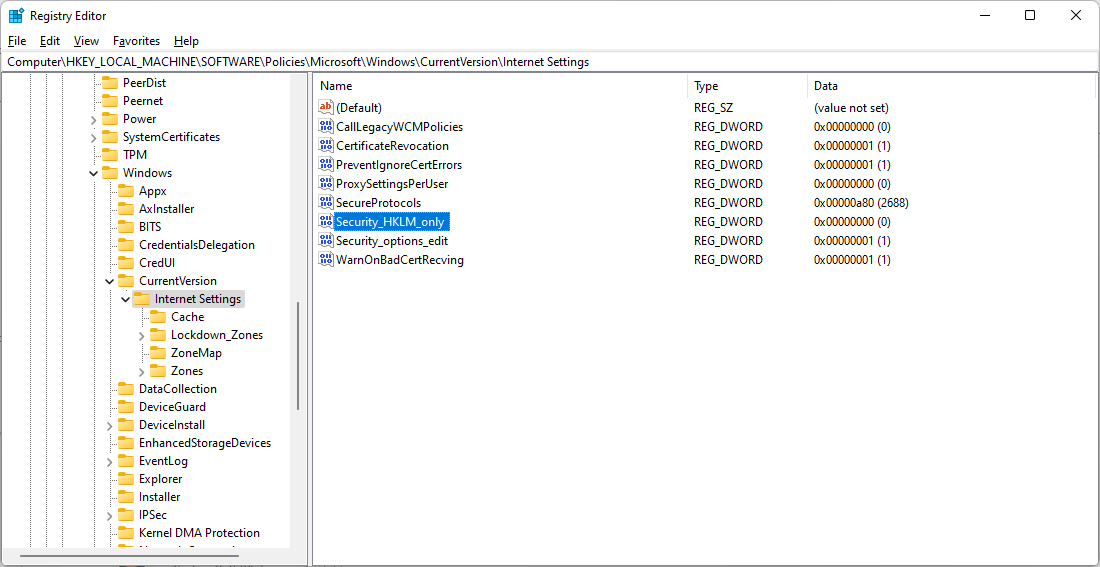
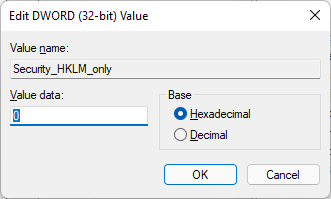
Double click the Security_HKLM_only and set the value from 1 to 0.
Click the OK button to the close the pop-up
Close then Registry Editor
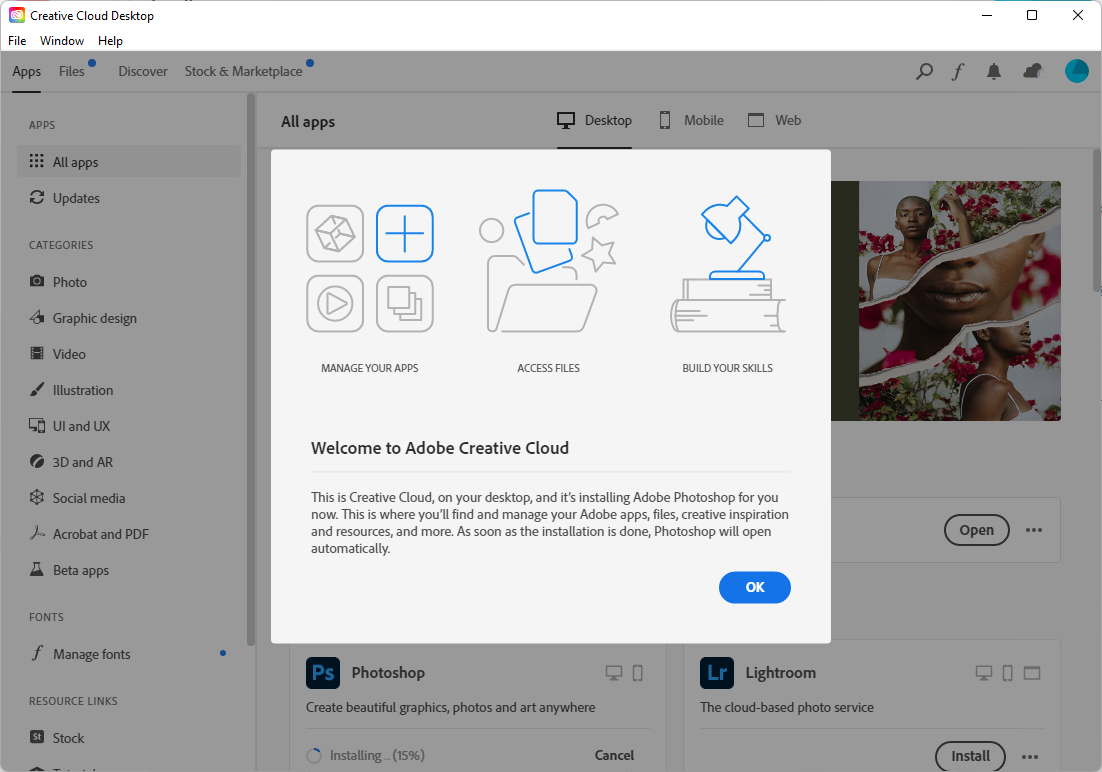
Then re-run the installation again.

You’re all set



 LABDEMO
Discussion
No comments yet.