I tried to enroll my Samsung smartphone to Microsoft Intune few days ago, and here are the step taken:
First you have to set the mobile device management authority under Device enrollment > Choose MDM Authority in the Azure Portal.
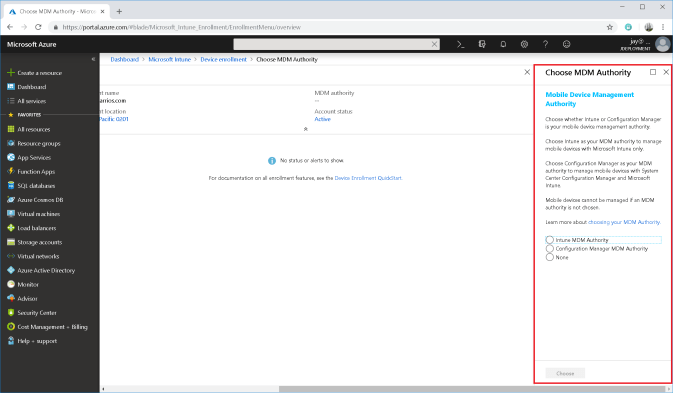
I have selected Intune MDM Authority and clicked the Choose button.
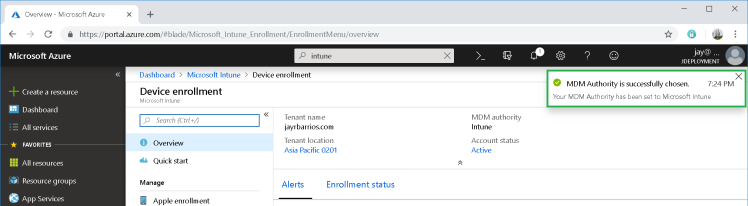
Once the MDM Authority is set, you need to download and install the Intune Company Portal app to your android device.

After installing, launch the application and sign in
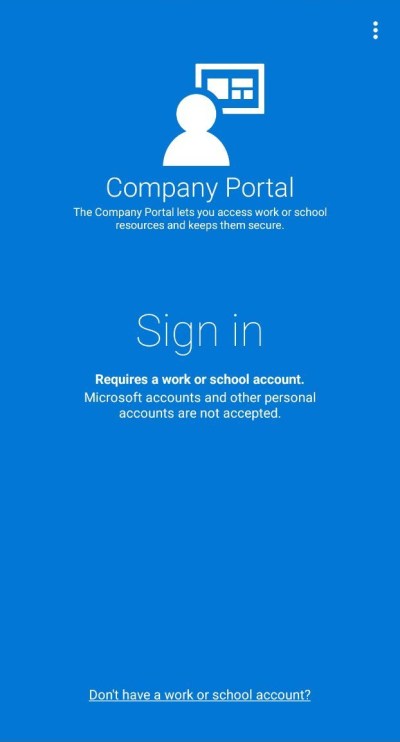
enter your onmicrosoft account and password.
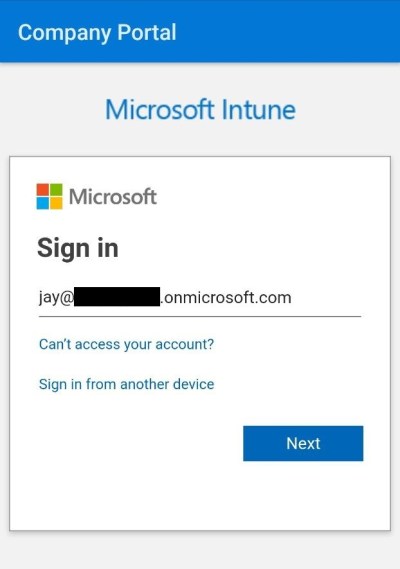
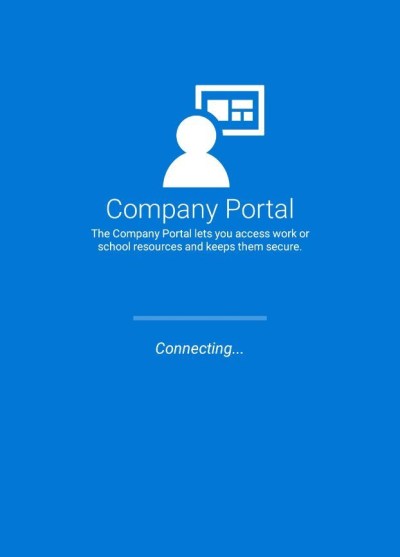
once authenticated your device will start connecting to your work’s resources
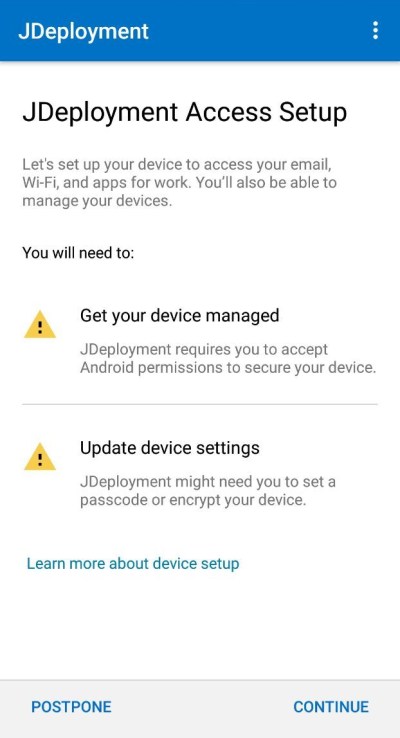
In the access setup tap on continue
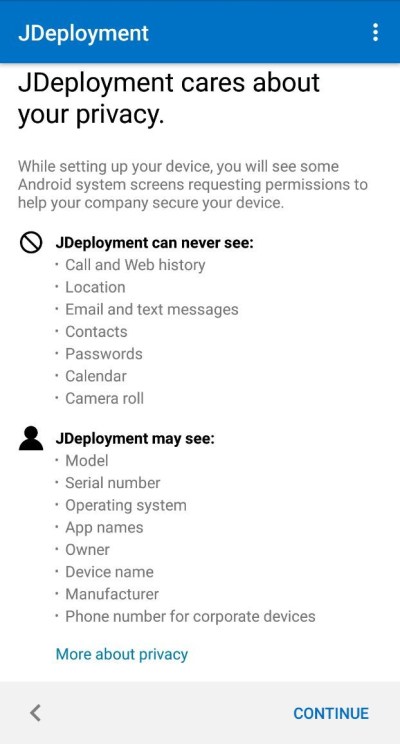
Read through the privacy then tap on continue
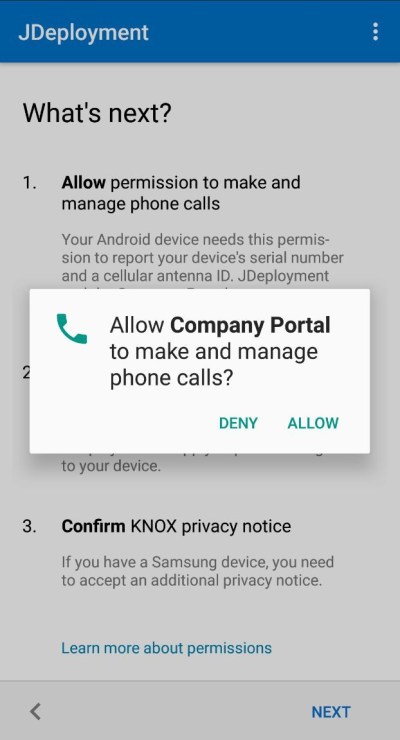
Allow Company Portal to make and manage your phone calls then tap on next
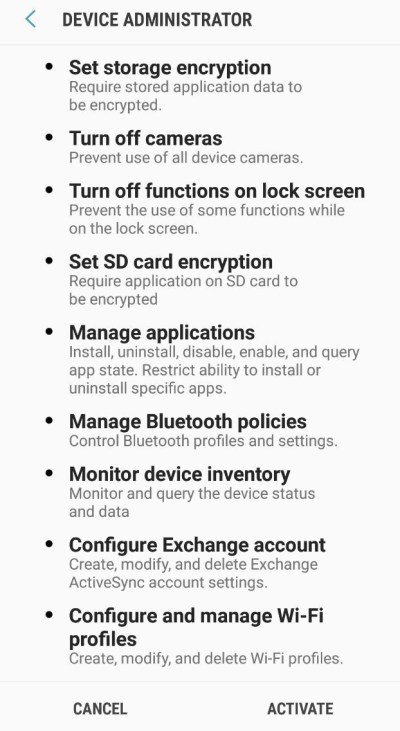
In the next page browse through and understand what activating the admin app can do to your android device
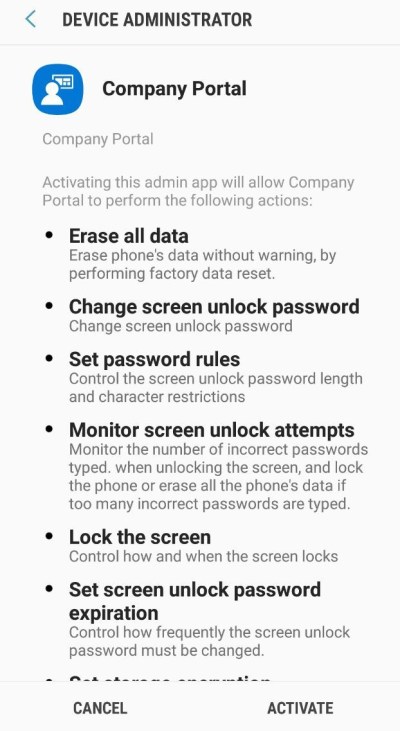
Tap active to continue
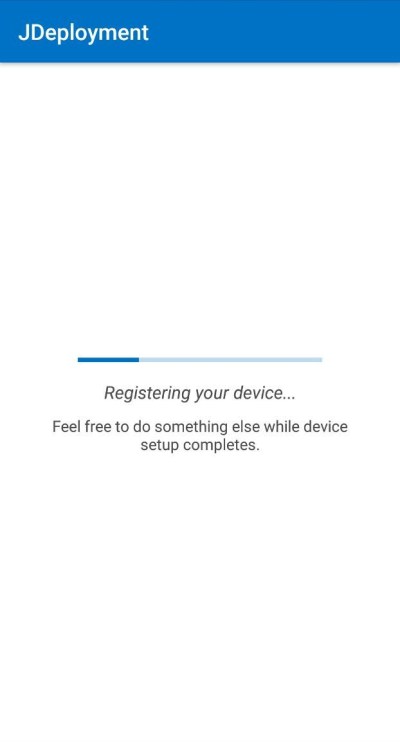
wait until your device gets registered
In the Workplace join, enter your credentials and tap Next
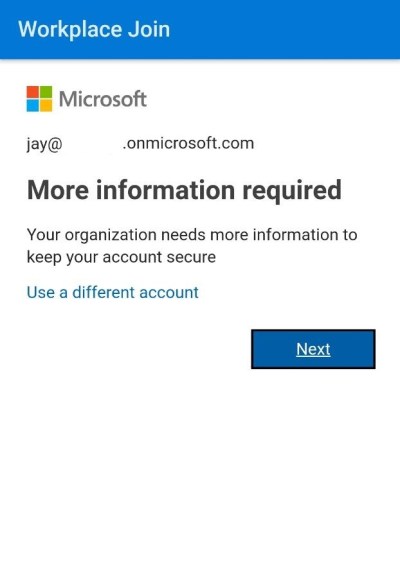
the application will need to run through a security verification, you may select to receive the code via SMS or Call
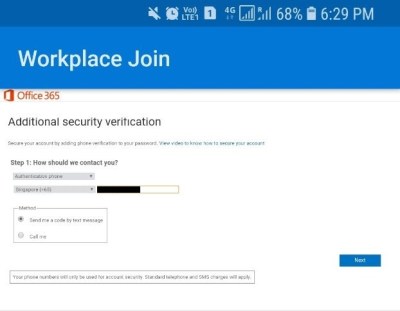
In my case, I select to send it over SMS
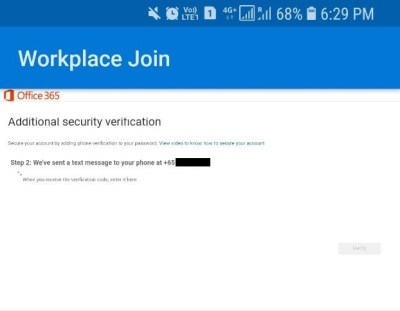
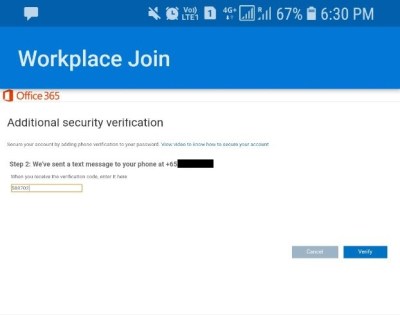
Once received, I’ve entered the verification code and tapped verify to continue joining my workplace
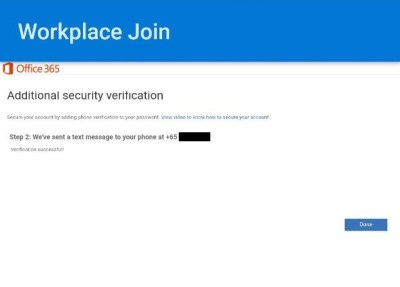
tap the done button once step is completed
Back in the Azure Portal, verify that the android device is there
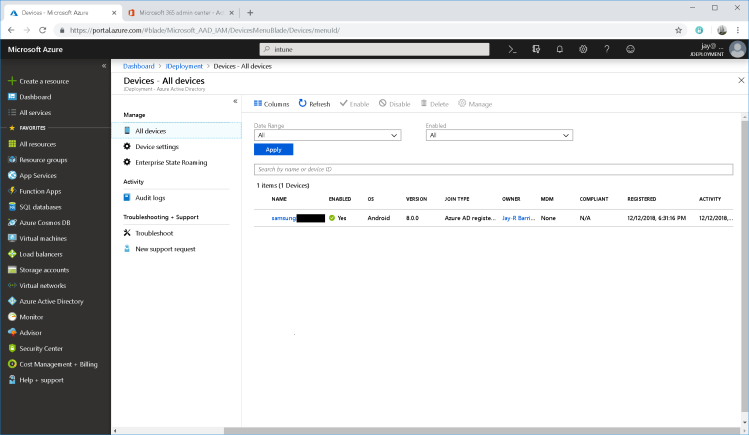
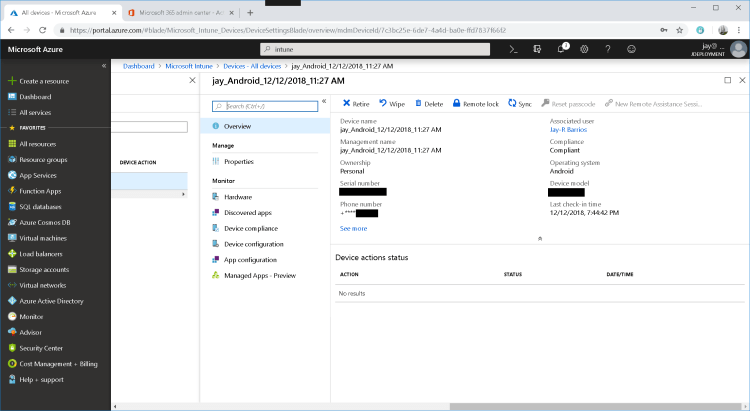
From there you can now manage android device and deploy required application to it
Reference Links:
- https://docs.microsoft.com/en-us/intune/device-enrollment
- https://docs.microsoft.com/en-us/intune/mdm-authority-set



 LABDEMO
Discussion
No comments yet.