
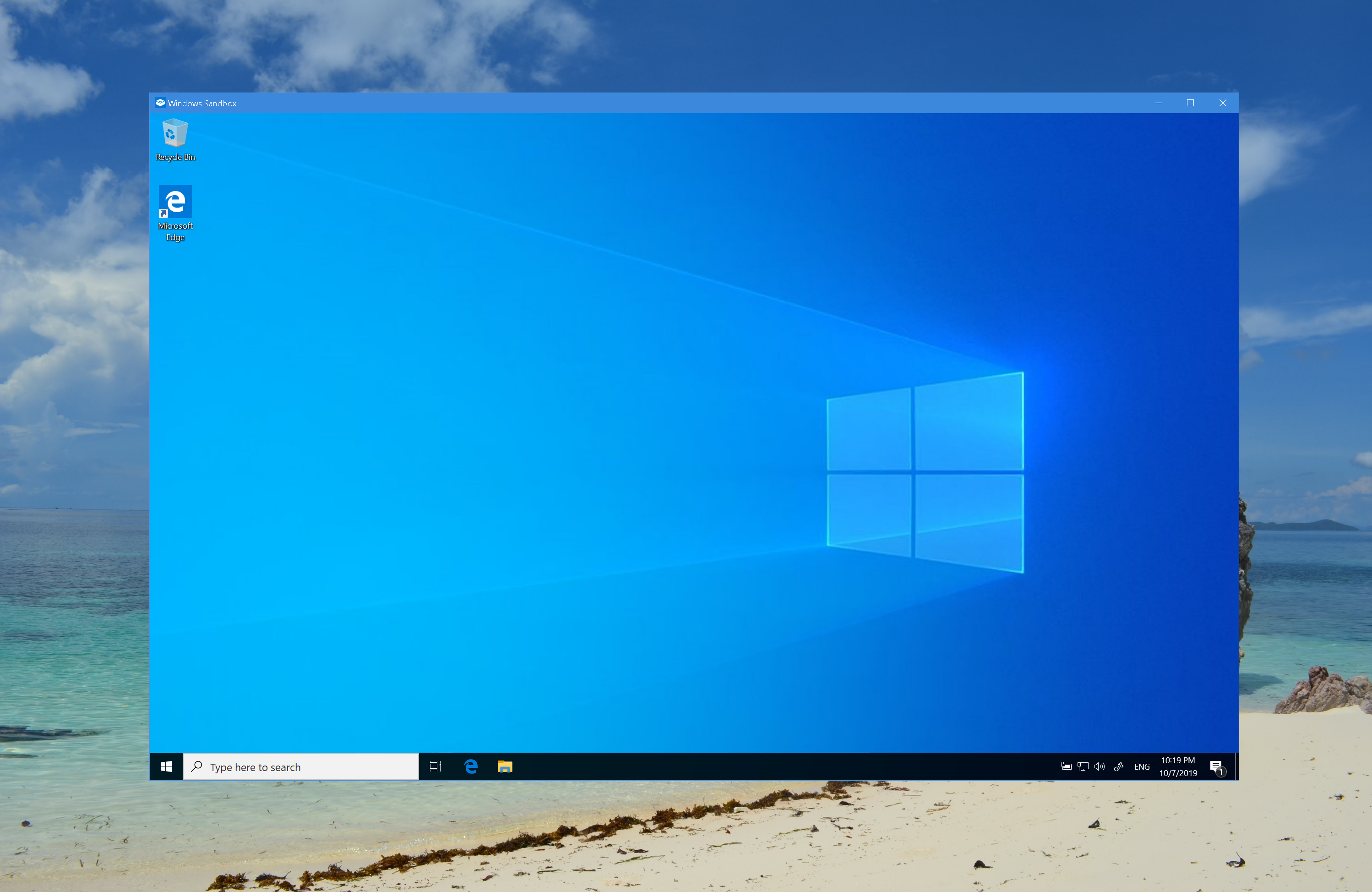
Windows Sandbox is a feature made available during the release of Windows 10 May 2019 Update (version 1903) designed to run applications in an isolated environment.
To install Windows Sandbox, go to: Control Panel\All Control Panel Items\Programs and Features and then select Windows Sandbox click OK.

Click the Close button to complete the installation.

To launch Windows Sandbox, from the Start menu, type in Windows Sandbox and then click on the App.

When Windows Sandbox launch you can straight away start your work (without installing a “Sandbox” environment”)

When you’re done just close the Windows Sandbox application and all the sandbox content will be discarded and permanently deleted.


Leave a Reply