

Here is how to manually add your Windows 8 to a domain. (also applies to Windows 8.1 and Windows 8.1 Update)
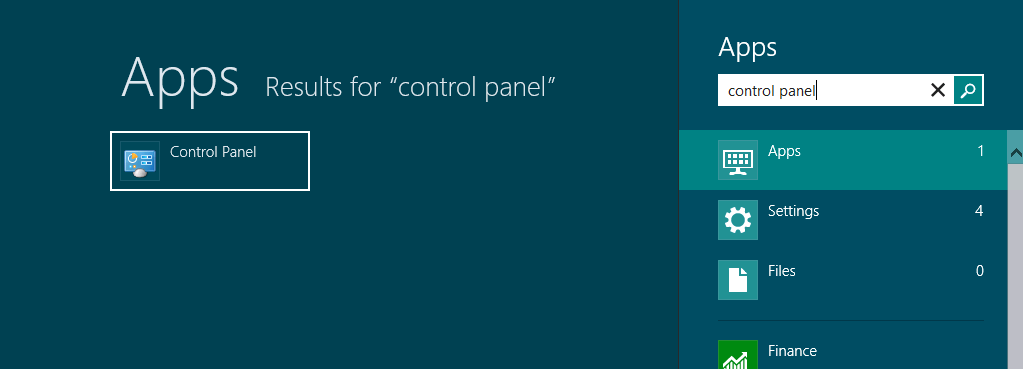
In your Windows 8 Start page, search for Control Panel and access System and Security\System. And just like earlier versions of Windows, in the Computer name, domain, and workgroup settings section, select Change settings.
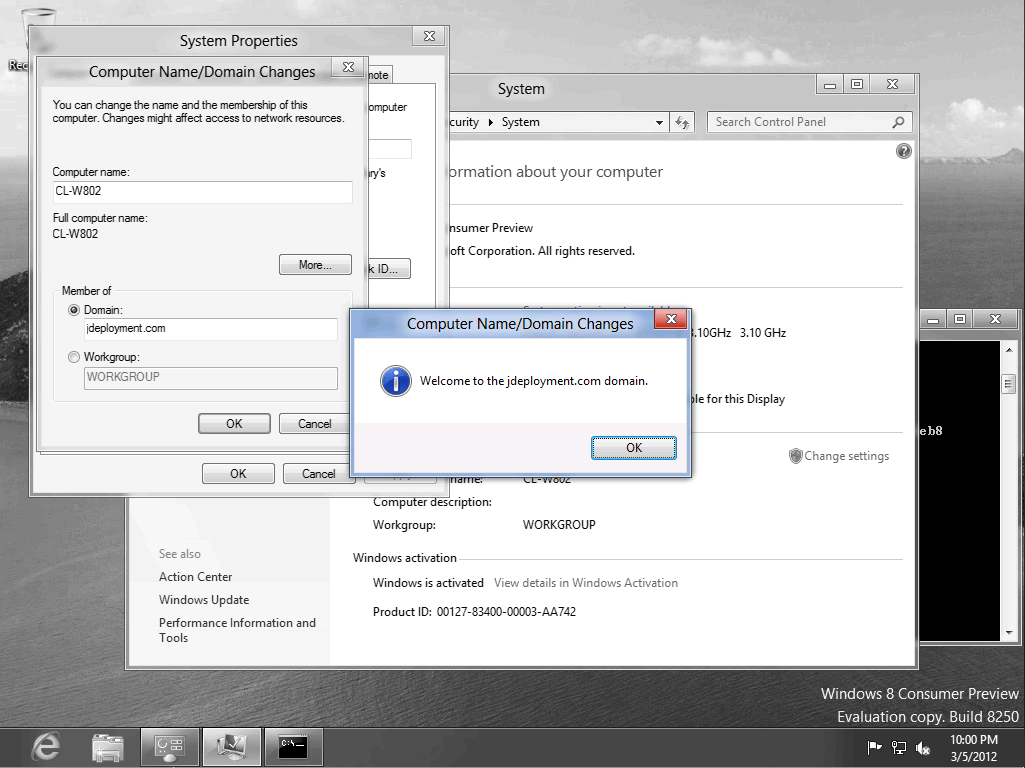
At the Computer Name/Domain Changes enter your domain name and click OK. You’ll be prompted to input an administrative account to enroll Windows 8 to the domain and will be asked to restart the machine after.

After the restart select Other user in the log on page. Enter your domain credentials.

Windows will now created your domain profile in your machine.




Leave a Reply to jayrbarriosCancel reply